

What Happens When You Stop Maintaining Your Website?
Understand the gradual compounding risks of neglecting website maintenance, from security vulnerabilities to broken forms and organic traffic erosion.
The Illusion of Stability: Why Unmaintained Sites Don't Fail Overnight
When a business stops maintaining its website, nothing appears to break on day one. The homepage still loads, the logo looks crisp, and the team assumes they have saved money by canceling their maintenance retainer. This creates a dangerous illusion of stability.
Website degradation is not a sudden crash; it is a gradual process of software rot. Over months, operating systems update, browser engines deprecate legacy protocols, APIs evolve, and unpatched security vulnerabilities accumulate until a catastrophic failure halts your business operations.
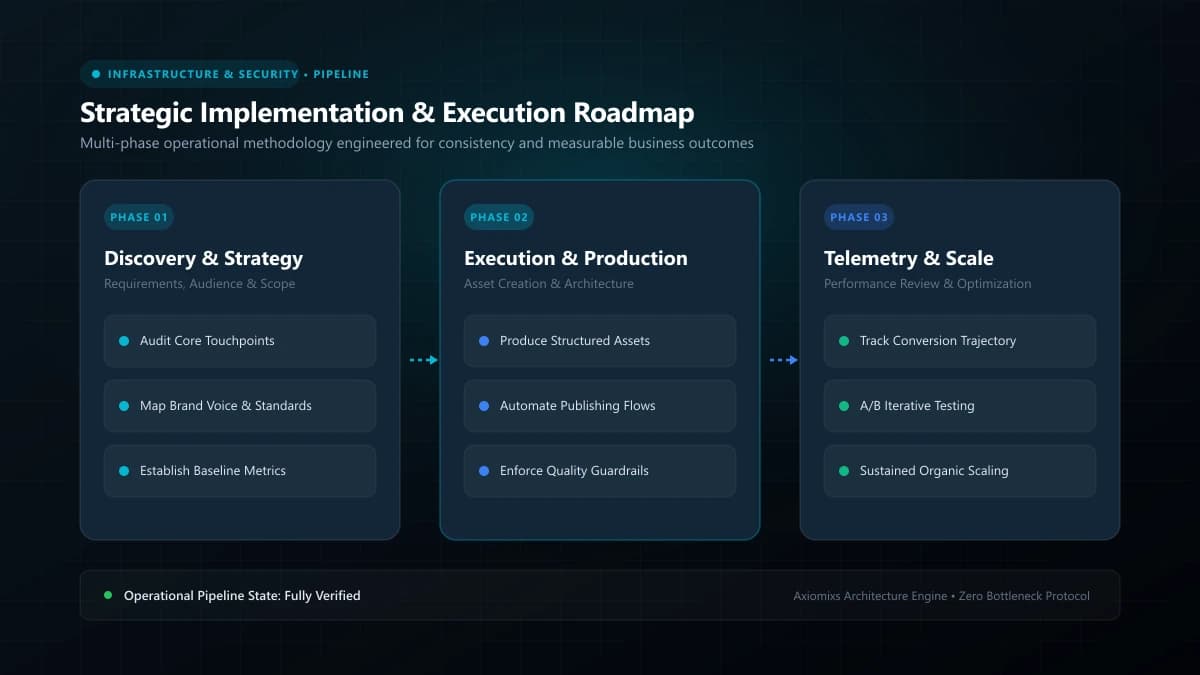
Figure 1.0 / Compounding risk flowchart showing how unpatched software vulnerabilities escalate into emergency restoration costs
The Compounding Timeline of Website Decay
Months 1 to 3: The Silent Integration Failures
Browser security policies evolve and third-party APIs update. Your lead generation form suddenly stops delivering emails due to deprecated SMTP handshakes; Google reCAPTCHA scripts throw silent JavaScript errors; and visitors submitting contact requests receive error messages or false success confirmations.
Months 4 to 8: Search Engine Ranking Erosion
Googlebot crawls the web continuously, evaluating performance and security. As competitor websites optimize for Core Web Vitals while your site accumulates broken links, slower server response times, and mobile render errors, your organic search rankings steadily slide down search pages.
Months 9 to 14: Security Exploits and Domain Blacklisting
Automated malware scanners identify unpatched vulnerabilities in your software stack. Attackers inject hidden spam links, redirect mobile users to predatory affiliate pages, or install cryptocurrency miners. Google flags your domain with a terrifying red warning screen: "Deceptive site ahead," destroying customer trust instantly.
Months 15+: Catastrophic Host Suspension
Cloud hosting providers monitor server resource abuse. Once an exploited site exceeds CPU limits or generates spam outbound email floods, the host suspends the account without warning. Rebuilding from corrupted or nonexistent backups costs thousands in emergency engineering fees.
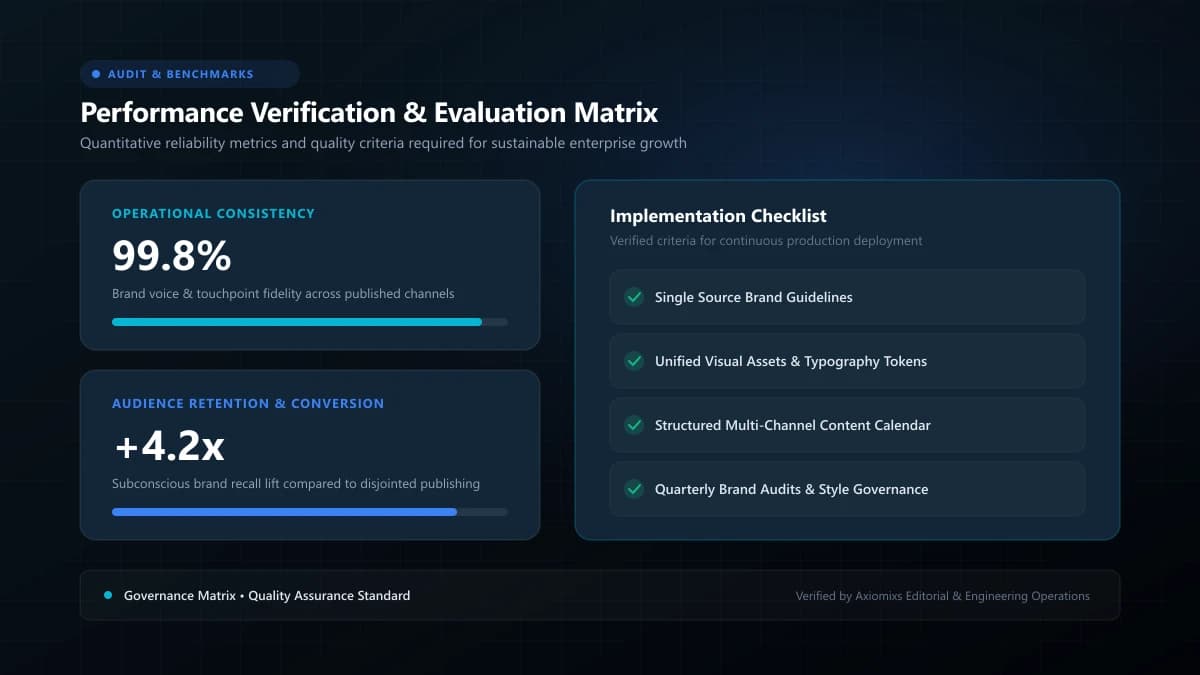
Figure 2.0 / Emergency recovery cost scorecard comparing proactive monthly maintenance retainers with crisis salvage expenses
Financial Comparison: Proactive Maintenance vs. Crisis Salvage
| Cost Dimension | Proactive Monthly Maintenance | Neglect & Emergency Crisis Salvage |
|---|---|---|
| Predictable Annual Cost | Low, budgeted monthly retainer | Zero upfront, followed by unpredictable crisis spikes |
| Emergency Downtime | Near zero (rapid failover & staging tests) | Days or weeks of complete business website outage |
| Lost Customer Inquiries | Minimized via monthly form verification | Months of silent form failures and lost deals |
| Domain Reputation | Pristine domain authority and email deliverability | Potential Google blacklisting and email spam-flagging |
How to Restart Maintenance Safely on an Old Site
If your website has been neglected for over a year, do not click "Update All" blindly. Take an immutable full backup first, clone the site to a sandbox staging environment, audit dependencies sequentially, and verify each layer before redeploying to production.
Frequently Asked Questions
Can an older website that has never been updated still be secure?↓
Almost certainly not. Software vulnerabilities are discovered and cataloged publicly every week. An unmaintained website running outdated software libraries is an open invitation for automated bot exploits.
What is the very first thing that breaks when maintenance stops?↓
Third-party integrations: payment gateway webhooks, contact form email routing, social feed embeds, and tracking scripts whose APIs deprecate over time.
Is it cheaper to neglect maintenance and rebuild every 4 years?↓
No. Neglecting maintenance incurs severe hidden costs: lost customer leads from silent form errors, brand damage from security defacements, and emergency recovery fees that far exceed monthly maintenance costs.
Rescue and Revitalize Your Web Platform
Axiomixs provides comprehensive website rescue, security hardening, and ongoing maintenance retainers that eliminate technical debt.
Request a Platform Audit →Related Engineering Guides
Website Maintenance Checklist: What to Check Every Month
A comprehensive operational maintenance checklist covering database backups, security patches, form testing, speed audits, and uptime verification.
Why Website Speed Matters for User Experience and Conversions
Understand how page load performance directly influences bounce rates, Core Web Vitals rankings, customer trust, and commercial conversion rates.
Website Backups, Updates and Security: What Business Owners Need to Know
A practical executive guide to multi-layered website backups, off-site recovery protocols, least-privilege security, and threat mitigation.