

Website Backups, Updates and Security: What Business Owners Need to Know
A practical executive guide to multi-layered website backups, off-site recovery protocols, least-privilege security, and threat mitigation.
The Real Threat: Automated Botnets, Not Targeted Hackers
Many small business owners assume their company is too small to be a cyberattack target, believing hackers only focus on Fortune 500 banks. This assumption is dangerously false.
Modern cyber intrusions are overwhelmingly automated: malicious botnets crawl millions of IP addresses per hour, scanning indiscriminately for known software vulnerabilities, outdated plugins, and weak admin passwords. Once compromised, small business websites are weaponized to host phishing pages, distribute malware, or hijack computing resources.
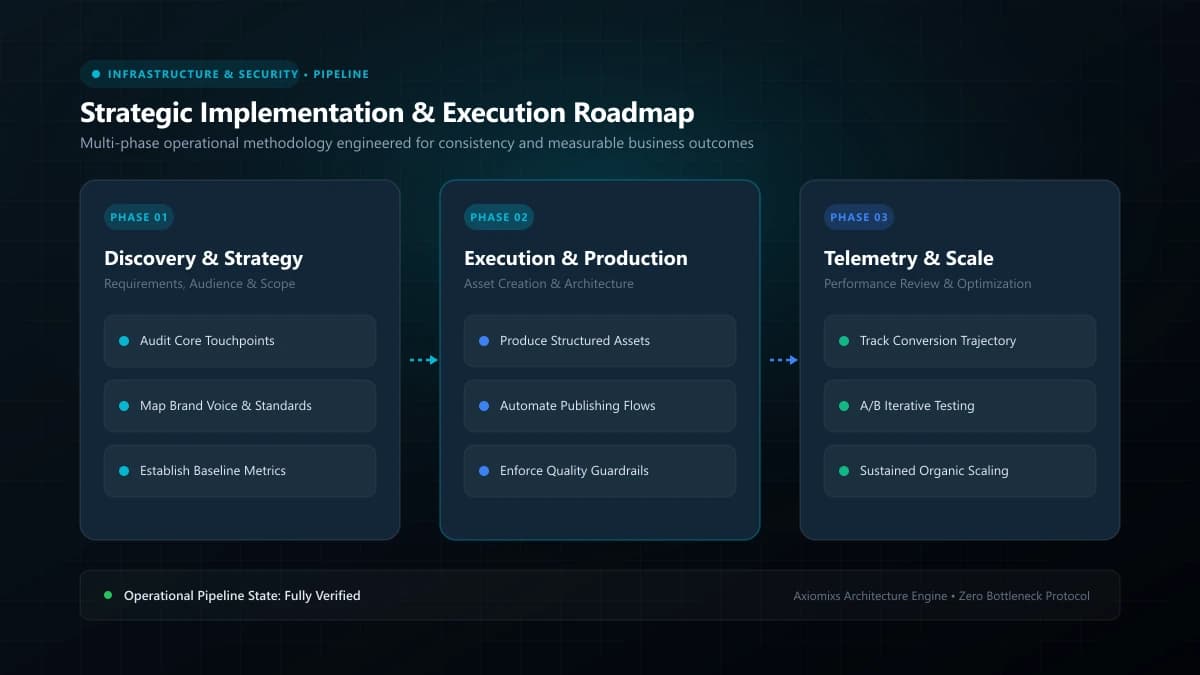
Figure 1.0 / The 3-2-1 backup strategy diagram illustrating primary cloud storage, secondary off-site vaults, and immutable cold copies
The 3-2-1 Backup Strategy for Commercial Websites
Never rely on a single backup mechanism. Adopt the battle-tested enterprise 3-2-1 backup rule:
- 3 Copies of Data: Maintain your live production website plus two separate backup archives.
- 2 Different Media Formats: Store backups in distinct environments (e.g., cloud object storage and a local offline drive).
- 1 Off-Site Location: At least one complete archive must be stored outside your primary hosting infrastructure (such as an encrypted AWS S3 or Google Cloud bucket).
The Safe Update Staging Workflow
Updating core software, CMS platforms, or dependencies directly on a live production server is a high-risk gamble that frequently leads to broken interfaces or "White Screen of Death" downtime. Follow this safe staging protocol:
- Create an identical staging copy of your website on a private subdomain.
- Apply software and dependency updates inside the staging environment.
- Conduct automated or manual end-to-end tests across contact forms, checkouts, and navigation.
- Deploy the verified updates to production during low-traffic maintenance windows.
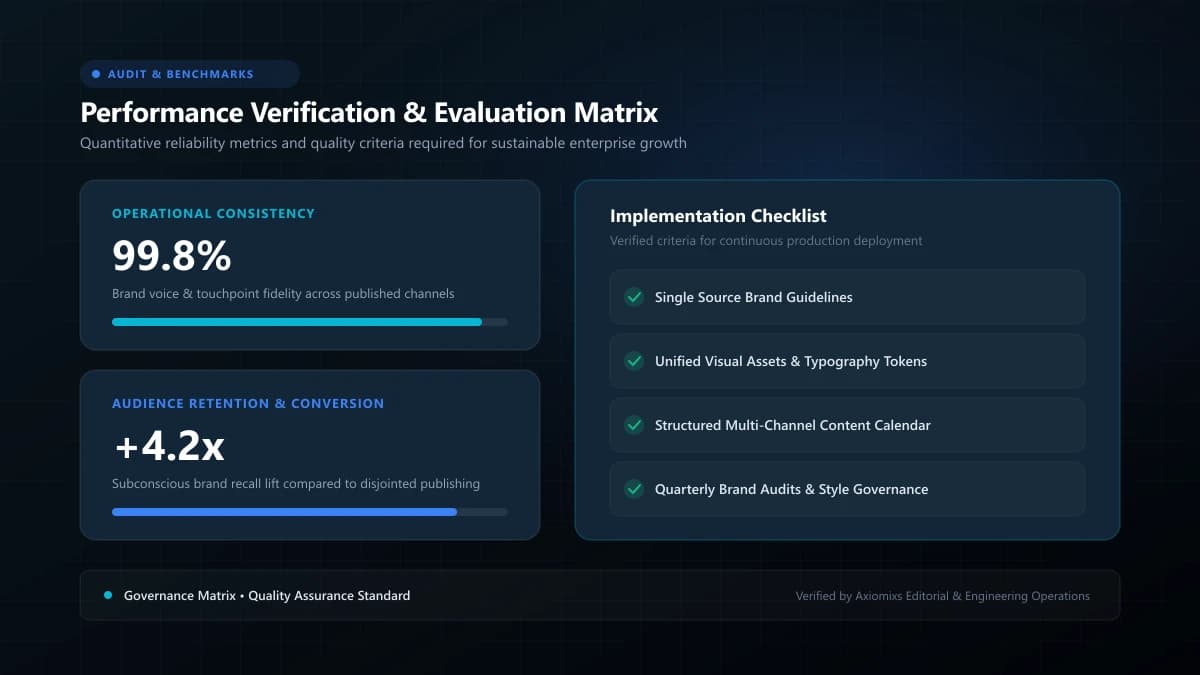
Figure 2.0 / Layered security architecture scorecard highlighting Web Application Firewalls, rate-limiting, and RBAC policies
Layered Security Defense Matrix
| Security Layer | Protective Mechanism | Threat Mitigated |
|---|---|---|
| Edge WAF (Firewall) | Cloudflare / AWS Shield inspection | DDoS attacks, malicious scrapers, SQL injection attempts. |
| Access Control | Mandatory Multi-Factor Authentication (MFA) | Credential stuffing, brute-force password guessing. |
| Data Protection | SSL/TLS 1.3 encryption & secure HTTP headers | Man-in-the-middle sniffing and form submission interception. |
| Least Privilege | Role-Based Access Control (RBAC) | Accidental or unauthorized content and configuration deletion. |
Disaster Recovery Planning
A disaster recovery plan answers one critical question: If your website was completely wiped from existence right now, what are the exact technical steps and time required to restore operations? Maintain a documented runbook detailing domain DNS failover, database import commands, and team escalation contacts.
Frequently Asked Questions
Is having a backup with my web host sufficient for disaster recovery?↓
No. If your hosting account is compromised, suspended, or experiences catastrophic server failure, your backup will be destroyed alongside the live site. Always maintain an independent off-site backup.
How often should website database backups be scheduled?↓
For dynamic business sites and e-commerce stores, automated daily (or real-time) backups are essential. For standard brochure websites, weekly automated backups generally provide sufficient recovery protection.
What is the single most effective security measure for website admins?↓
Enforcing Multi-Factor Authentication (MFA / 2FA) across all administrative accounts, paired with strict least-privilege role assignment.
Secure Your Digital Business Assets
Axiomixs implements bank-grade website security, encrypted off-site backup pipelines, and disaster recovery infrastructure.
Protect Your Website →Related Engineering Guides
Website Maintenance Checklist: What to Check Every Month
A comprehensive operational maintenance checklist covering database backups, security patches, form testing, speed audits, and uptime verification.
Why Website Speed Matters for User Experience and Conversions
Understand how page load performance directly influences bounce rates, Core Web Vitals rankings, customer trust, and commercial conversion rates.
What Happens When You Stop Maintaining Your Website?
Understand the gradual compounding risks of neglecting website maintenance, from security vulnerabilities to broken forms and organic traffic erosion.