

Website Maintenance Checklist: What to Check Every Month
A comprehensive operational maintenance checklist covering database backups, security patches, form testing, speed audits, and uptime verification.
The Silent Decay of Unmaintained Web Platforms
A website is not a static printed brochure; it is dynamic software running on cloud servers, interacting with constantly changing browser standards, third-party APIs, and search engine crawler protocols. Leaving a website unmaintained is the digital equivalent of never changing the oil in a commercial delivery fleet.
Without systematic maintenance, minor issues compound silently: forms stop sending inquiries, security vulnerabilities emerge, outdated scripts degrade page load times, and Google Search Console flags critical indexing regressions. Following a structured monthly checklist protects your digital asset.
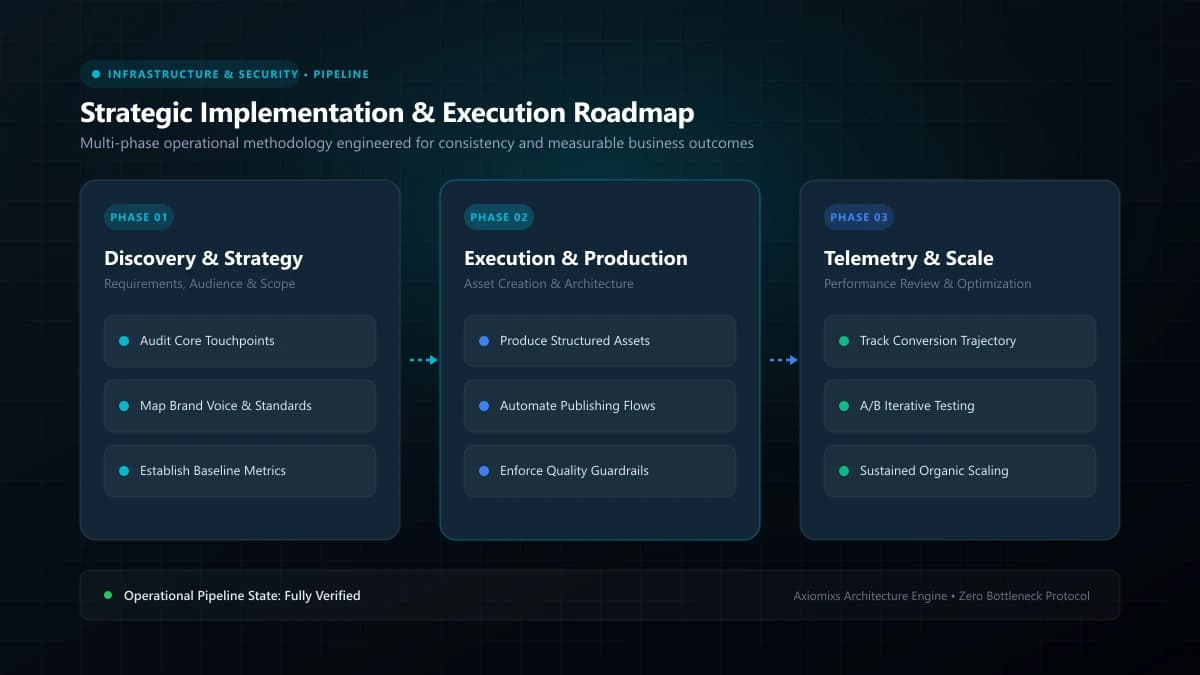
Figure 1.0 / System maintenance workflow flowchart covering staging environment testing, dependency patching, and production deployment
Monthly Maintenance Protocol: 5 Core Inspection Pillars
1. Security and Software Dependency Auditing
- Review and patch all core frameworks, server runtimes, and third-party packages to protect against newly disclosed CVE vulnerabilities.
- Inspect SSL/TLS certificate validity and automated renewal dates.
- Review administrative user accounts and revoke access for departed contractors or former employees.
2. Off-Site Backup Verification and Recovery Drill
- Confirm automated daily/weekly database and media file backups have successfully executed.
- Verify backups reside in geographically isolated cloud storage (such as AWS S3 or Cloudflare R2), separate from the primary web host.
- Perform a test restoration drill on a staging environment once per quarter to verify database integrity.
3. Form and Lead Pipeline Functional Testing
- Submit live test entries through every public contact form, appointment scheduler, and quote request modal.
- Verify that notification emails reach recipient inboxes and lead records appear properly inside your CRM.
- Confirm automated confirmation emails trigger without deliverability or formatting errors.
4. Performance and Core Web Vitals Monitoring
- Run Google PageSpeed Insights on desktop and mobile versions of your homepage and top 3 service pages.
- Ensure Largest Contentful Paint (LCP) remains under 2.5 seconds and Cumulative Layout Shift (CLS) is below 0.1.
- Identify unoptimized user-uploaded images or render-blocking third-party scripts.
5. Broken Link and Search Engine Hygiene
- Crawl your website with automated tooling to identify 404 errors, 301 redirect chains, and broken external links.
- Review Google Search Console for emerging crawl anomalies, indexing exclusions, or mobile usability warnings.
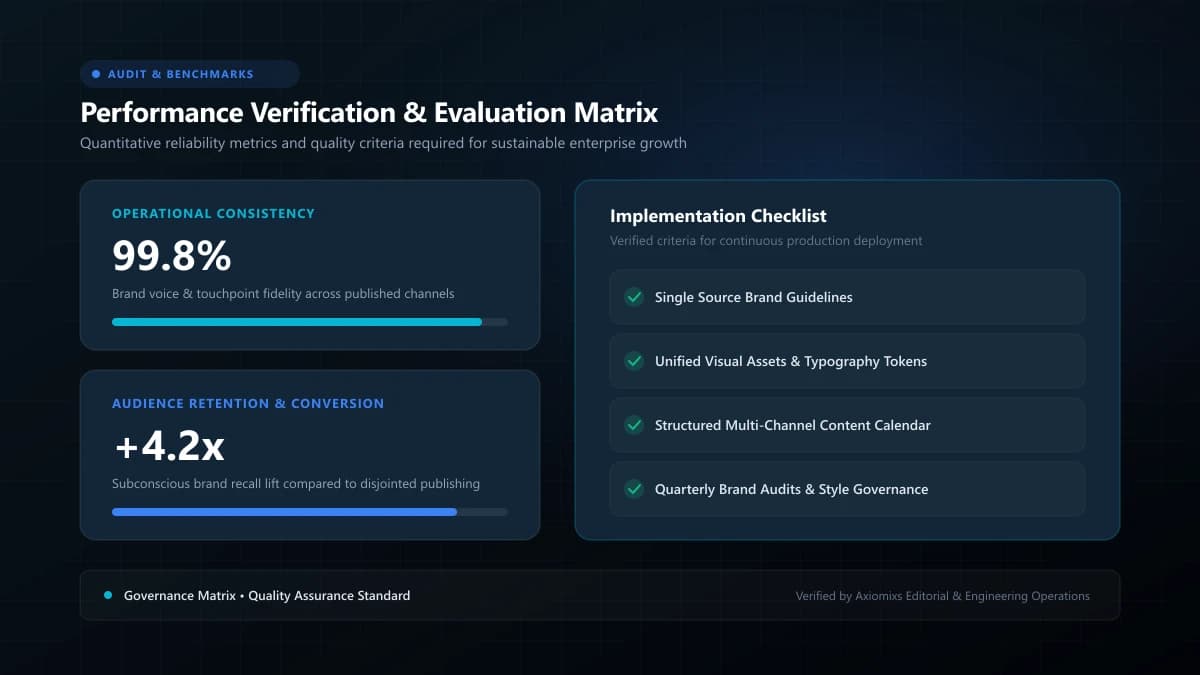
Figure 2.0 / Audit checklist matrix prioritizing monthly, quarterly, and immediate post-deployment verification tasks
Maintenance Cadence Matrix
| Inspection Frequency | Required Operational Checks |
|---|---|
| Continuous (24/7) | Uptime monitoring, SSL validity, DDoS firewall alerts. |
| Weekly | Off-site automated backup verification, critical security alerts. |
| Monthly | Form end-to-end tests, dependency patching, speed audit, broken link cleanup. |
| Quarterly | Staging restore drill, database indexing optimization, full SEO health audit. |
Frequently Asked Questions
How often should a commercial website be maintained?↓
Core security checks, automated off-site backups, and uptime monitoring should occur continuously. Functional testing of contact forms, link audits, and software dependency updates should be executed monthly.
What is the most critical step in website maintenance?↓
Testing your backups by actually performing a restoration drill. A backup that has never been tested in a recovery environment is merely an assumption, not a disaster recovery plan.
Why do website forms silently stop working?↓
Forms often fail after third-party API token expirations, SMTP email configuration changes, browser updates, or automated plugin patches that introduce conflicting script errors.
Protect Your Digital Flagship
Axiomixs delivers proactive website maintenance, 24/7 uptime monitoring, security patching, and speed optimization retainers.
Explore Maintenance Retainers →Related Engineering Guides
Why Website Speed Matters for User Experience and Conversions
Understand how page load performance directly influences bounce rates, Core Web Vitals rankings, customer trust, and commercial conversion rates.
Website Backups, Updates and Security: What Business Owners Need to Know
A practical executive guide to multi-layered website backups, off-site recovery protocols, least-privilege security, and threat mitigation.
What Happens When You Stop Maintaining Your Website?
Understand the gradual compounding risks of neglecting website maintenance, from security vulnerabilities to broken forms and organic traffic erosion.