

Why Website Speed Matters for User Experience and Conversions
Understand how page load performance directly influences bounce rates, Core Web Vitals rankings, customer trust, and commercial conversion rates.
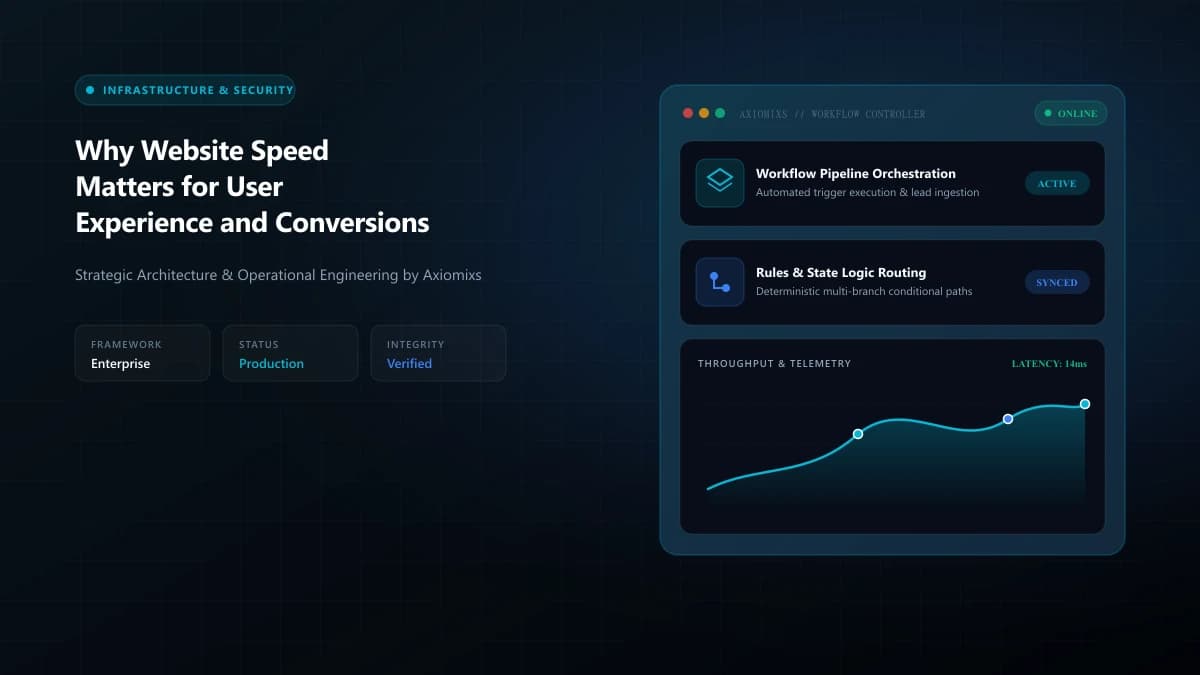
The Millisecond Economy: Speed as a Commercial Moat
Modern consumers and business decision-makers possess zero patience for sluggish websites. When a prospective client clicks an ad or search link, every second of blank white screen triggers subconscious irritation and increases the likelihood they will hit the "back" button and choose your competitor.
Website performance is not a superficial vanity metric for developers; it directly dictates your bounce rates, user satisfaction scores, search engine visibility, and bottom-line commercial revenue.
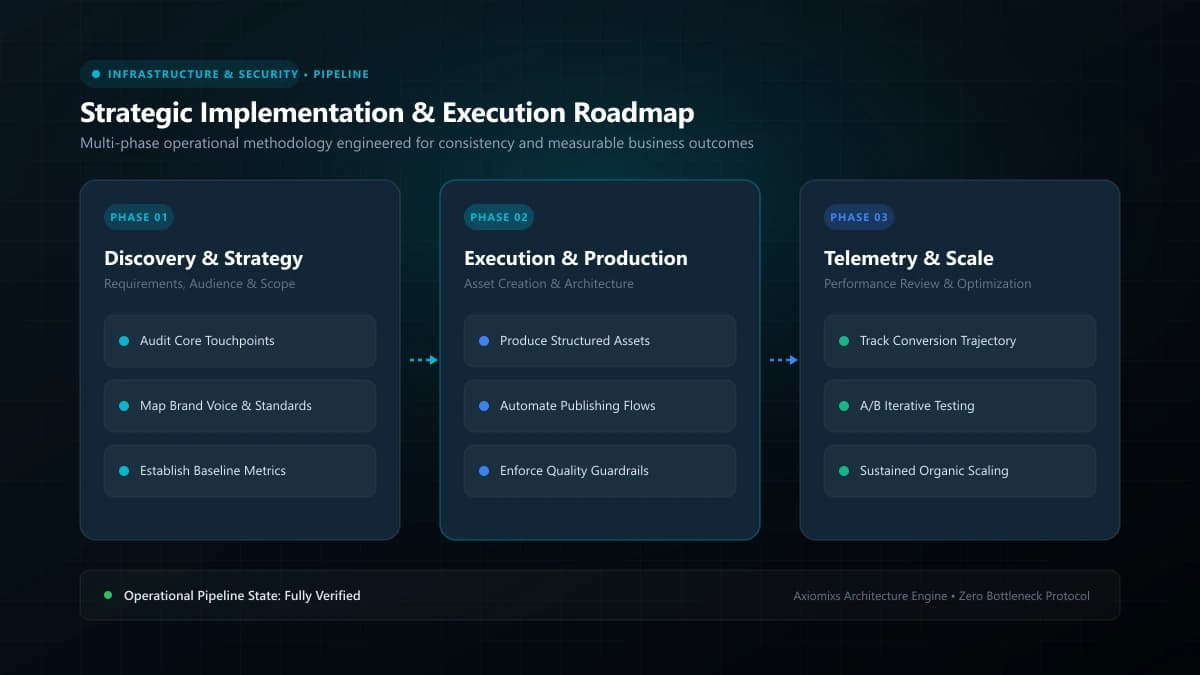
Figure 1.0 / User bounce rate correlation graph illustrating how conversion probability drops with each second of mobile load delay
The Three Pillars of Google's Core Web Vitals
Google evaluates web performance through standardized real-user metrics known as Core Web Vitals:
- Largest Contentful Paint (LCP): Measures perceived loading speed. Marks when the page's main content block is fully rendered. Target: ≤ 2.5 seconds.
- Interaction to Next Paint (INP): Measures page responsiveness to user input (clicking a button, opening a menu). Target: ≤ 200 milliseconds.
- Cumulative Layout Shift (CLS): Measures visual stability. Ensures page elements do not abruptly jump around as images and fonts load. Target: ≤ 0.1.
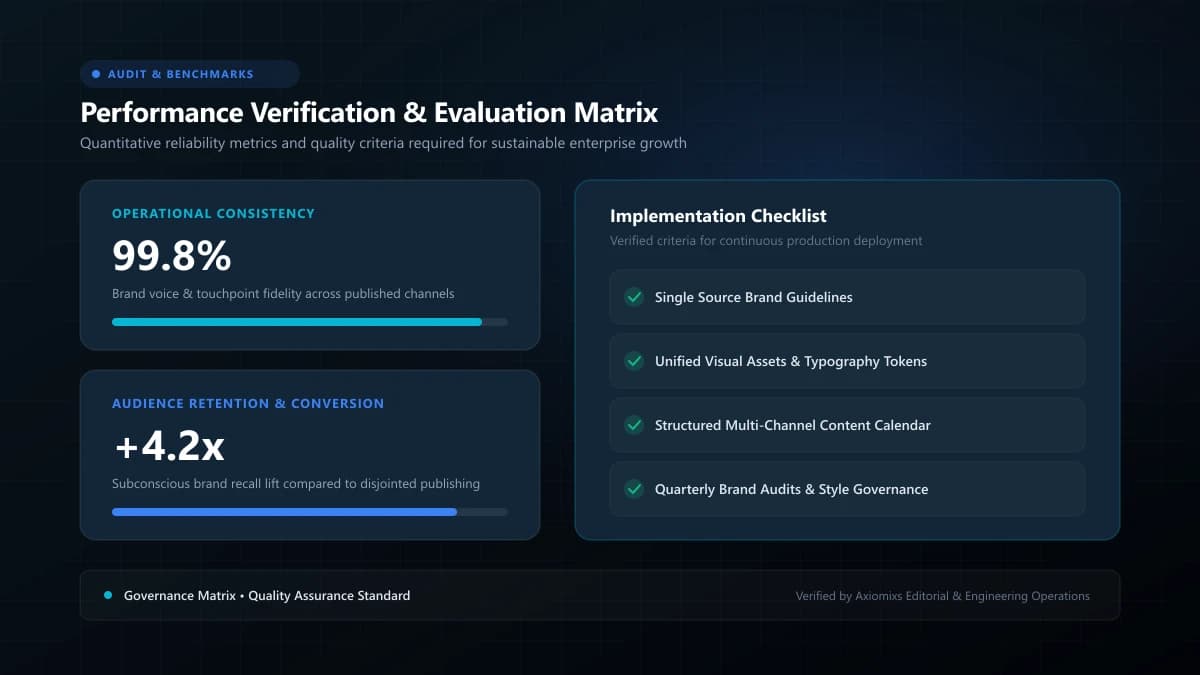
Figure 2.0 / Speed optimization checklist outlining WebP image compression, script deferral, and edge caching priorities
Performance vs. User Behavior: The Conversion Impact
| Page Load Duration (Mobile) | Observed Bounce Probability | User Perception & Impact |
|---|---|---|
| 1 to 2 seconds | Baseline (Optimal) | Frictionless, instantaneous, high trust. |
| 3 to 5 seconds | +90% increase in bounce rate | Perceptible delay, user begins to feel friction. |
| 6+ seconds | +120%+ increase in abandonment | Severely broken user experience, massive drop in inquiries. |
The 5 Highest-Leverage Technical Speed Fixes
Engineering teams can dramatically improve page performance by addressing these core bottlenecks:
- Modern Image Delivery: Convert legacy PNG and JPEG files to next-gen WebP/AVIF formats, and define explicit width and height attributes to eradicate layout shift.
- Defer Non-Critical JavaScript: Move analytics trackers, chat widgets, and social pixels to defer or lazy-load after the initial page renders.
- Global CDN Edge Caching: Serve static HTML, CSS, and media assets from global edge data centers (e.g., Cloudflare, Vercel, AWS CloudFront) closest to the user.
- Font Loading Optimization: Use modern CSS
font-display: swap;and self-host font files to prevent invisible text flashing (FOIT). - Server-Side & Static Prerendering: Utilize modern frameworks like Next.js to prerender HTML so users receive complete pages immediately rather than waiting for client-side JavaScript execution.
Frequently Asked Questions
Does website loading speed directly affect Google rankings?↓
Yes. Google uses Core Web Vitals (LCP, INP, CLS) as official ranking signals. Slow pages that frustrate users provide weaker behavioral signals and face ranking penalties in competitive search categories.
What is Largest Contentful Paint (LCP) and what is a good score?↓
LCP measures how long it takes for the main content element (hero image or primary heading) to become visible. A good LCP score is 2.5 seconds or faster on a standard mobile connection.
What are the most common causes of slow business websites?↓
Uncompressed raw images (several megabytes in size), render-blocking JavaScript bundles, excessive third-party tracking tags, and cheap shared hosting with sluggish Time to First Byte (TTFB).
Achieve Sub-Second Mobile Performance
Axiomixs optimizes Core Web Vitals, cleans render-blocking code, and implements edge caching architectures that maximize speed.
Request a Speed Audit →Related Engineering Guides
Website Maintenance Checklist: What to Check Every Month
A comprehensive operational maintenance checklist covering database backups, security patches, form testing, speed audits, and uptime verification.
Website Backups, Updates and Security: What Business Owners Need to Know
A practical executive guide to multi-layered website backups, off-site recovery protocols, least-privilege security, and threat mitigation.
What Happens When You Stop Maintaining Your Website?
Understand the gradual compounding risks of neglecting website maintenance, from security vulnerabilities to broken forms and organic traffic erosion.