

GoHighLevel Workflows: 10 Automations Every Business Should Consider
Discover 10 essential workflow automations to implement in GoHighLevel, from missed appointment recovery to review requests and client re-activation.
Automating Beyond Basic Email Blasts
Many business owners utilize GoHighLevel merely as an email newsletter sender, completely overlooking its most powerful capability: the visual workflow automation builder. Workflows allow you to automate complex, multi-branch operational processes that connect sales, marketing, and client fulfillment.
Here are 10 battle-tested workflow automations that provide immediate operational leverage and revenue acceleration.
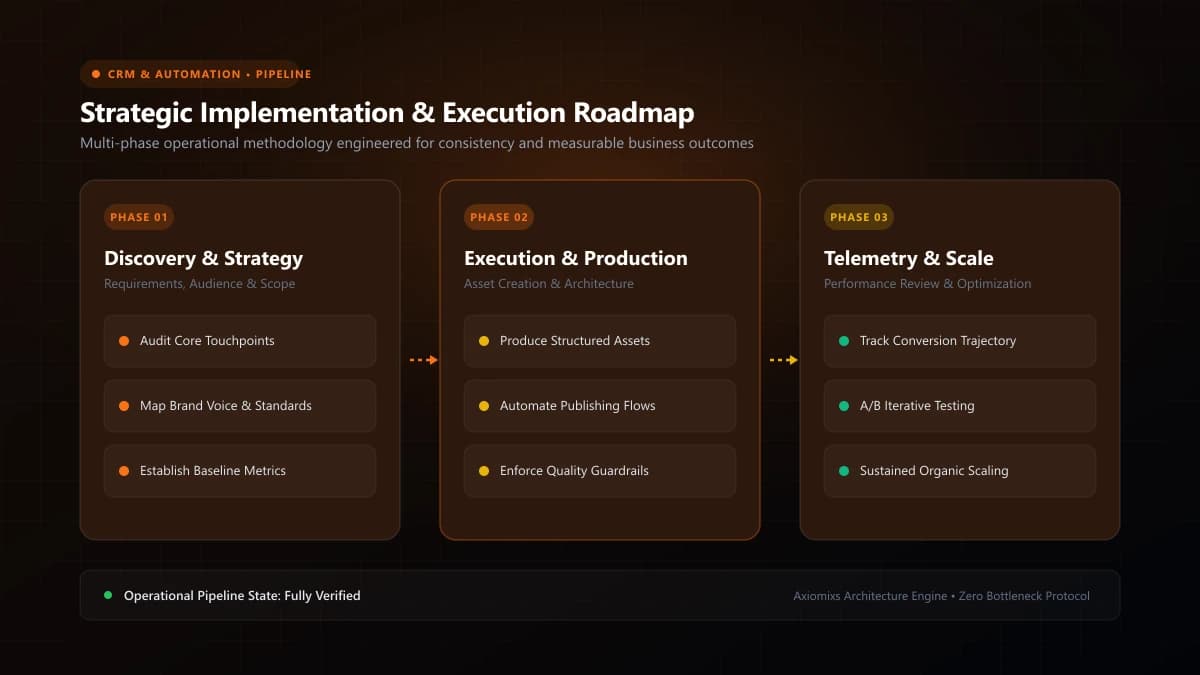
Figure 1.0 / Workflow trigger-to-action flowchart tracking lead intake, pipeline progression, appointment booking, and review collection
10 High-Impact HighLevel Workflow Blueprints
1. The 60-Second Inbound Lead Response Engine
Triggers on website form submission. Instantly creates contact, tags source, routes to the assigned rep, sends confirmation SMS, and queues a welcome email.
2. The Multi-Channel Appointment Reminder System
Triggers when a meeting is booked. Sends immediate calendar invite, a 24-hour reminder email with location details, and a 1-hour SMS reminder with a one-click rescheduling link.
3. The Missed Appointment Recovery Sequence
Triggers when an appointment status changes to "No-Show". Sends a polite, non-accusatory SMS: "Hi {{contact.first_name}}, we missed you today! Hope everything is alright. Here is a link to pick a new time when you're free: {{calendar_link}}."
4. The Deal Stage Progress Alert
Triggers when an opportunity is dragged to "Proposal Sent". Automatically assigns a follow-up task to the account executive for 3 days later and sends the client a confirmation email.
5. The Post-Service Review & Reputation Engine
Triggers when a project is tagged service-completed. Delivers an SMS asking for feedback (1–5 scale). If positive (4 or 5), automatically routes them to leave a public Google Review.
6. The New Client Onboarding Sequence
Triggers when deal moves to "Closed-Won". Dispatches orientation video, intake questionnaire, project timeline overview, and alerts the fulfillment team in Slack.
7. The Inactive Lead Database Reactivation
Filters contacts with zero activity in 90 days. Sends a casual, 9-word re-engagement email asking if they are still working on their original project goal.
8. The Stale Pipeline Cleanup & Task Alert
Monitors deals sitting in "In Discussion" for over 14 days without updates, alerting management to intervene before the lead goes cold.
9. The Missed-Call Text-Back Safeguard
Triggers when an inbound call goes unanswered. Immediately sends an SMS: "Sorry we missed your call! How can our team help you today?"
10. The VIP Customer Tag & Retainer Renewal Notice
Triggers 30 days prior to contract expiration, notifying account directors to prepare custom renewal agreements and schedule strategic reviews.
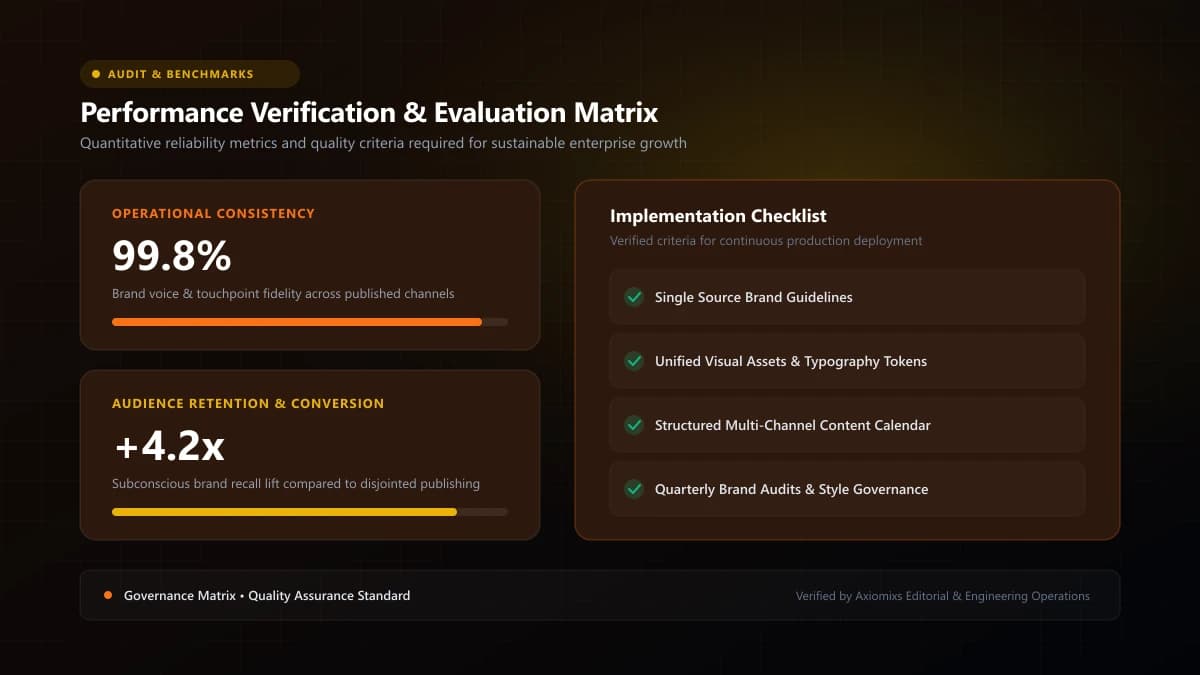
Figure 2.0 / Automation health and testing scorecard outlining pre-launch verification checks and duplicate-message safeguards
Workflow Performance Matrix
| Workflow Name | Primary Trigger | Core Commercial Benefit |
|---|---|---|
| Fast Lead Follow-Up | Form submitted | Cuts response time to under 1 minute; boosts bookings. |
| Appointment Reminders | Calendar booked | Reduces meeting no-show rates by up to 80%. |
| Review Generation | Project completed | Compounds Google Business Profile reviews automatically. |
| Missed Call Recovery | Call unanswered | Recovers high-intent callers who would otherwise call competitors. |
Frequently Asked Questions
What is the difference between a Campaign and a Workflow in HighLevel?↓
Campaigns and Triggers are legacy HighLevel features. Workflows are the modern, unified automation builder that combines triggers, if/then conditional logic, actions, and internal tasks in one visual interface.
Can HighLevel workflows send internal Slack or Webhook alerts?↓
Yes. Workflows feature native webhook POST actions and custom notifications that can dispatch lead data directly to internal Slack channels, custom APIs, or external ERP systems.
How do you test a complex workflow safely before going live?↓
Create a test contact record using your own personal email and phone number, manually trigger the workflow, and verify each SMS, email, delay condition, and tag application in the Execution Logs.
Deploy High-ROI Workflow Automations
Axiomixs builds customized GoHighLevel workflow automations that eliminate administrative friction and scale customer conversion.
Request Automation Setup →Related Engineering Guides
GoHighLevel CRM Setup: A Step-by-Step Guide for Businesses
A complete foundational guide to configuring GoHighLevel: sub-account architecture, custom fields, pipeline stages, calendar rules, and role permissions.
What Is GoHighLevel? A Beginner's Guide to GHL
An executive introduction to GoHighLevel (HighLevel): core platform architecture, pipeline management, automated workflows, and marketing capabilities.
How to Automate Lead Follow-Ups Using GoHighLevel
Design a high-converting, multi-channel lead follow-up workflow in GoHighLevel with stop triggers, owner assignment, and automated reminder sequences.