

How to Automate Lead Follow-Ups Using GoHighLevel
Design a high-converting, multi-channel lead follow-up workflow in GoHighLevel with stop triggers, owner assignment, and automated reminder sequences.
The Critical First 5 Minutes: Why Lead Speed Dictates Revenue
Research across commercial inbound sales demonstrates a brutal reality: leads contacted within 5 minutes of form submission are 21 times more likely to enter the sales pipeline compared to leads contacted after 30 minutes. In modern business, whoever responds first with clarity and professionalism wins the contract.
However, expecting human sales reps to manually monitor forms and respond in under 5 minutes around the clock is impossible. GoHighLevel workflow automation eliminates response lag entirely, engaging prospects within 30 seconds of submission.
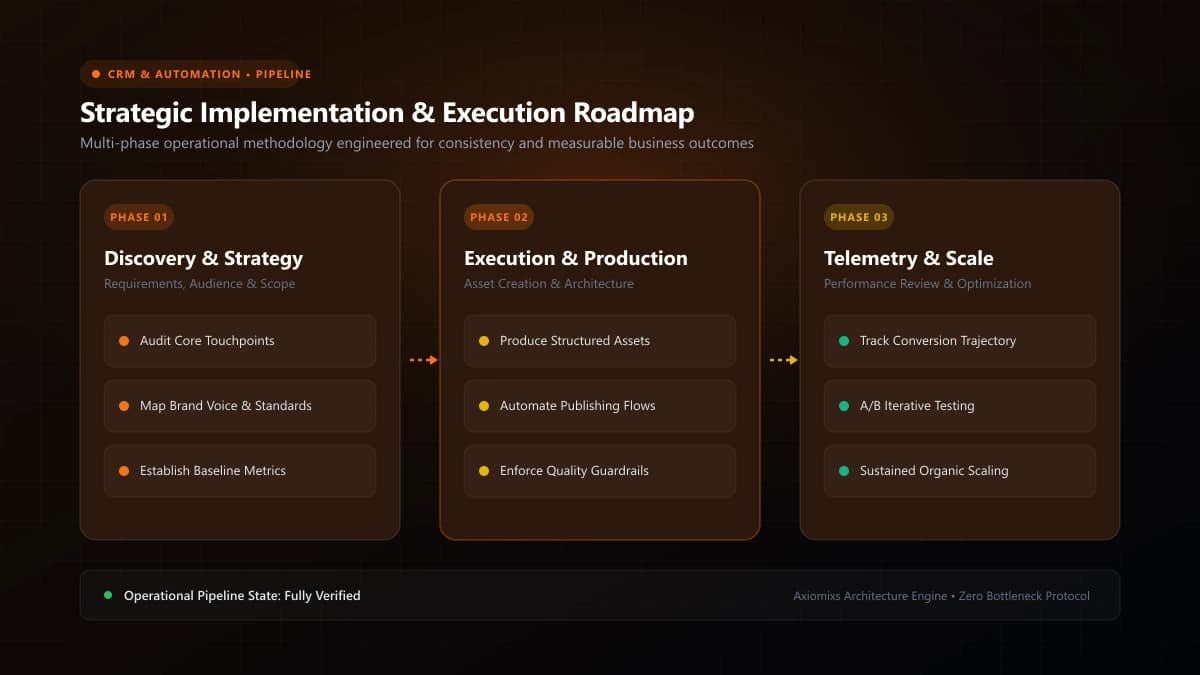
Figure 1.0 / Lead follow-up sequence timeline mapping instant SMS alerts, day-2 value emails, and automated booking invitations
Step-by-Step Lead Follow-Up Workflow Architecture
Step 1: The Inbound Trigger
Configure the workflow trigger using Form Submitted, Facebook Lead Form Submitted, or Inbound Webhook. Filter specifically for your primary commercial inquiry form.
Step 2: Contact Enrichment & Assignment
- Apply a distinct tag:
lead-inboundandsource-website. - Assign a designated user using round-robin routing among available sales reps.
- Create or update the Opportunity in your Pipeline under the New Inquiry stage.
Step 3: Instant Multi-Channel Response (Minute 0)
Dispatch an immediate, personalized SMS acknowledgment: "Hi {{contact.first_name}}, thanks for reaching out to Axiomixs. We received your project details! What day this week works best for a quick 15-min discovery call?" Simultaneously, dispatch a branded introductory email containing your company overview and booking calendar link.
Step 4: Internal Team Escalation
Send an internal notification via the HighLevel mobile app and SMS to the assigned account owner: "New lead alert: {{contact.name}} from {{contact.company_name}}. Phone: {{contact.phone}}."
Step 5: The Multi-Day Nurture Sequence
If the contact does not reply or book within 24 hours, the workflow proceeds along timed follow-up intervals:
- Day 2 (+24h): Value-add email sharing a verified client case study addressing their specific industry pain point.
- Day 4 (+48h): Short follow-up SMS checking if they received the proposal outline or have questions.
- Day 7 (+72h): Polite breakup email offering to reconnect when timing aligns.
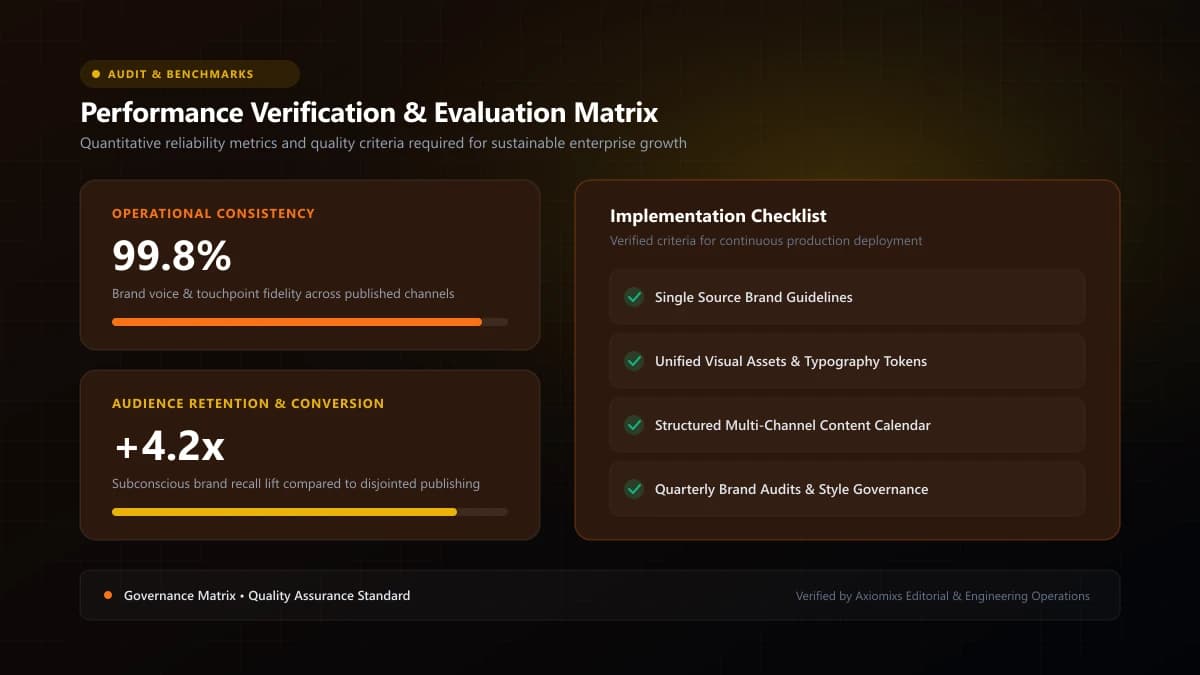
Figure 2.0 / Compliance and stop-condition checklist preventing unwanted message loops once a lead engages
Sample HighLevel Automated Cadence
| Timeline | Channel | Primary Action / Purpose |
|---|---|---|
| 0:00 (Instant) | SMS + Email | Acknowledge inquiry and provide direct calendar booking link. |
| 0:02 (+2 min) | Internal Alert | Notify assigned rep to review form scope parameters. |
| Day 2 (+24h) | Deliver relevant case study and address frequent buying objections. | |
| Day 4 (+48h) | SMS | Casual, low-pressure question to re-engage prospect. |
| Day 7 (+72h) | Graceful wrap-up leaving door open for future collaboration. |
Enforcing Non-Negotiable Safety Safeguards
Never deploy automated workflows without these two mission-critical configurations enabled:
- Enable 'Stop on Response': Ensure that the moment a lead replies via text or email, all future automated follow-up steps freeze automatically so a human rep can take over.
- Set Time Windows: Restrict SMS delivery to standard business hours (e.g., 8:00 AM to 8:00 PM local recipient time) to prevent waking prospects with automated texts in the middle of the night.
Frequently Asked Questions
Can GoHighLevel send both automated text messages and emails?↓
Yes. HighLevel natively supports multi-channel sequences: sending an immediate SMS, followed by an introductory email, internal team Slack/SMS alerts, and voicemail drops within the same unified workflow.
How do you stop automated messages once a prospect replies?↓
Enable the 'Stop on Response' toggle in HighLevel workflow settings. The moment a contact replies via SMS or email, the automated sequence immediately cancels all pending follow-up steps.
What compliance rules apply to automated SMS follow-ups?↓
In the United States, A2P 10DLC registration, clear opt-in consent checkboxes on forms, and automated STOP keyword handling are legally required. Similar telecom consent rules apply globally.
Automate Your Lead Intake & Follow-Up
Axiomixs engineers foolproof GoHighLevel follow-up automations that respond to inquiries in under 60 seconds and boost booking rates.
Configure Lead Workflows →Related Engineering Guides
GoHighLevel CRM Setup: A Step-by-Step Guide for Businesses
A complete foundational guide to configuring GoHighLevel: sub-account architecture, custom fields, pipeline stages, calendar rules, and role permissions.
What Is GoHighLevel? A Beginner's Guide to GHL
An executive introduction to GoHighLevel (HighLevel): core platform architecture, pipeline management, automated workflows, and marketing capabilities.
How to Build a Sales Funnel in GoHighLevel
A step-by-step masterclass in designing, building, and launching high-converting landing page funnels using GoHighLevel's native visual funnel builder.