

GoHighLevel CRM Setup: A Step-by-Step Guide for Businesses
A complete foundational guide to configuring GoHighLevel: sub-account architecture, custom fields, pipeline stages, calendar rules, and role permissions.
Building on a Clean Foundation
GoHighLevel is a remarkably powerful enterprise engine, but its sheer breadth of features can easily lead to a chaotic setup: disorganized custom fields, conflicting pipeline stages, duplicate contact tags, and messy automations that fire at the wrong times.
A successful CRM implementation requires disciplined architectural planning before you build your first workflow. Follow this step-by-step setup sequence to build an organized, high-performing GoHighLevel environment.
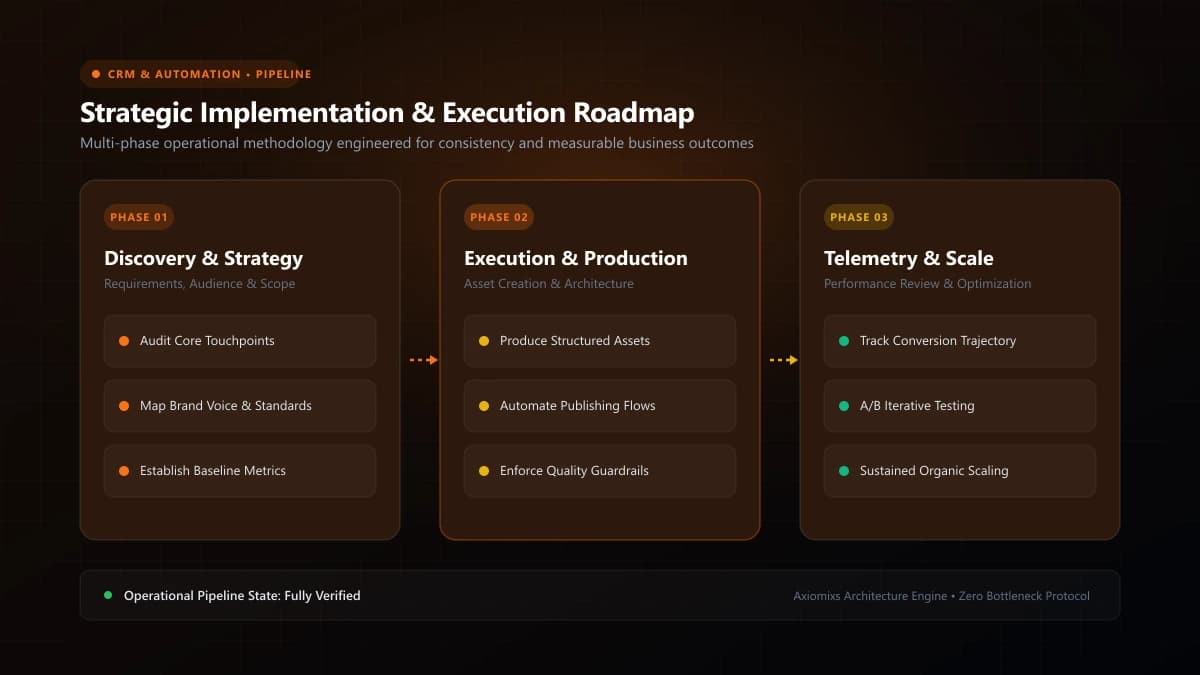
Figure 1.0 / HighLevel setup sequence flowchart guiding administrators through company settings, phone numbers, pipelines, and integrations
Phase 1: Company Profile and Communication Hygiene
- Business Profile: Input your verified legal business name, physical headquarters address, support email, and primary operating timezone in Settings > Business Profile. Timezone accuracy is critical for calendar booking and workflow timing.
- Dedicated Sending Domain: Configure a dedicated sending subdomain (e.g.,
mail.yourdomain.com) with proper SPF, DKIM, and DMARC DNS records to ensure inbox deliverability. - Telephony & A2P 10DLC: Provision a dedicated local or toll-free phone number and complete official carrier brand and campaign registration to prevent SMS filtering.
Phase 2: Custom Data Architecture (Fields & Folders)
Avoid scattering random custom fields across your CRM. Organize your data model using structured Custom Field Folders in Settings > Custom Fields:
- Project Parameters: Budget Range (Dropdown), Target Launch Date (Date Picker), Primary Technology Required (Radio Select).
- Client Details: Company Size (Number), Industry Vertical (Dropdown), Billing Address (Text).
- Account Status: Account Manager (User List), Retainer Tier (Dropdown), SLA Level (Text).
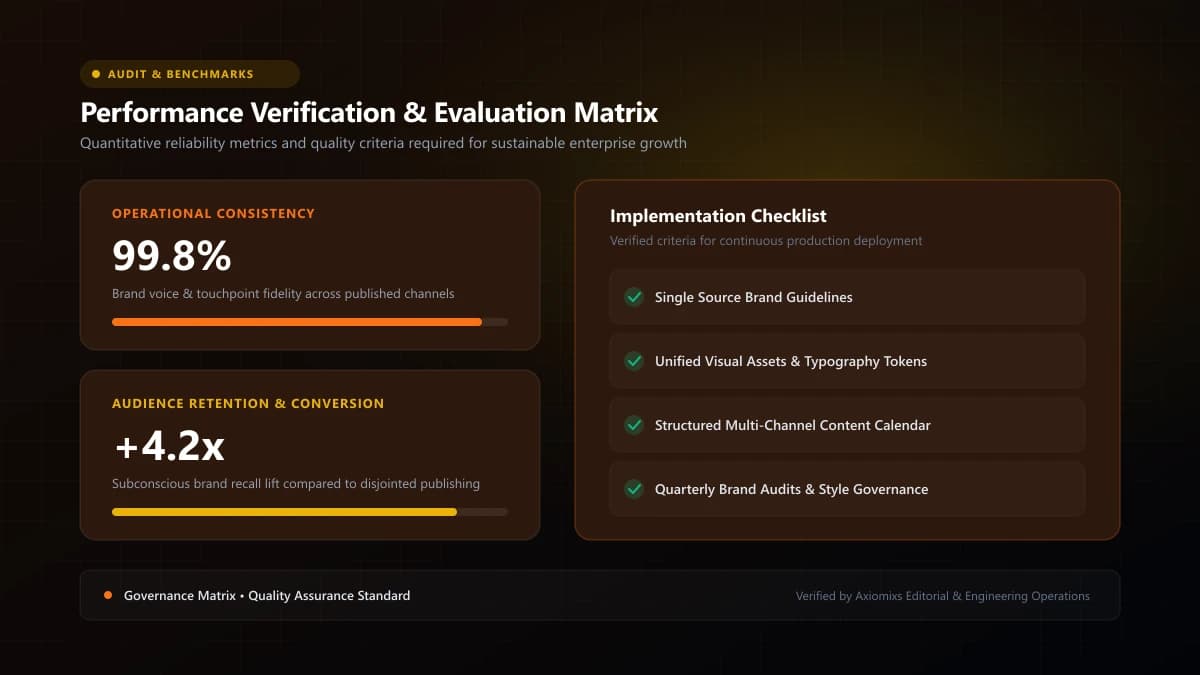
Figure 2.0 / Data hygiene checklist detailing duplicate prevention, contact field mapping, and pipeline stage criteria
Phase 3: Sales Pipeline Configuration
Navigate to Opportunities > Pipelines and construct a clean, stage-by-stage sales pipeline that reflects your actual customer journey:
| Pipeline Stage | Entry Criteria | Automated Actions Triggered |
|---|---|---|
| 1. New Inquiry | Form submitted or lead captured | Instant multi-channel follow-up deployed |
| 2. Call Scheduled | Prospect selects calendar slot | Meeting reminders active; nurture paused |
| 3. Proposal Sent | Proposal document dispatched | Automated 3-day review check-in scheduled |
| 4. Contract / In Review | Client reviewing terms | Executive alert sent to account director |
| 5. Closed-Won | Contract signed and deposit paid | Automated client onboarding sequence triggered |
Phase 4: User Roles and Permission Hardening
Protect your database by enforcing least-privilege security under Settings > My Staff. Differentiate between Administrator, Standard User, and Restricted Sales Rep roles, and restrict billing, campaign deletion, and contact export capabilities to authorized leadership.
Frequently Asked Questions
What is the very first thing to configure in a new GoHighLevel sub-account?↓
Business Profile and Phone/Email verification. Establishing your business address, timezone, dedicated email sending domain (Mailgun/LeadConnector), and A2P 10DLC phone registration is required before launching workflows.
What is the difference between a Tag and a Custom Field in HighLevel?↓
Tags are lightweight labels used for segmentation and workflow triggers (e.g., 'webinar-attendee', 'vip-client'). Custom Fields store structured, unique data attributes (e.g., 'Project Budget', 'Contract Expiration Date', 'License Key').
Can you restrict employee access so team members only see their assigned leads?↓
Yes. HighLevel provides granular user permissions: you can enable 'Only Assigned Data' so sales reps can only view their own contacts, conversations, and deals while managers view the entire pipeline.
Get Your GoHighLevel CRM Set Up Right
Axiomixs builds turn-key GoHighLevel CRM systems configured to your exact sales process, pipeline stages, and reporting requirements.
Request HighLevel Onboarding →Related Engineering Guides
What Is GoHighLevel? A Beginner's Guide to GHL
An executive introduction to GoHighLevel (HighLevel): core platform architecture, pipeline management, automated workflows, and marketing capabilities.
How to Automate Lead Follow-Ups Using GoHighLevel
Design a high-converting, multi-channel lead follow-up workflow in GoHighLevel with stop triggers, owner assignment, and automated reminder sequences.
How to Build a Sales Funnel in GoHighLevel
A step-by-step masterclass in designing, building, and launching high-converting landing page funnels using GoHighLevel's native visual funnel builder.