

GoHighLevel Setup Checklist: What to Configure Before Launch
The definitive pre-launch verification checklist for GoHighLevel: domain DNS, A2P telephony, pipeline stages, workflow testing, and user permissions.
The Discipline of the Pre-Flight Checklist
Commercial airline pilots never take off based on memory alone; they follow a standardized, physical pre-flight checklist. The reason is simple: when dealing with complex systems, even experienced operators overlook critical details under pressure.
Launching a GoHighLevel CRM environment is no different. Connecting live paid advertising or public web traffic to an unverified HighLevel sub-account risks deliverability bans, missed client leads, and broken automations. Follow this definitive pre-launch checklist to verify system integrity before go-live.
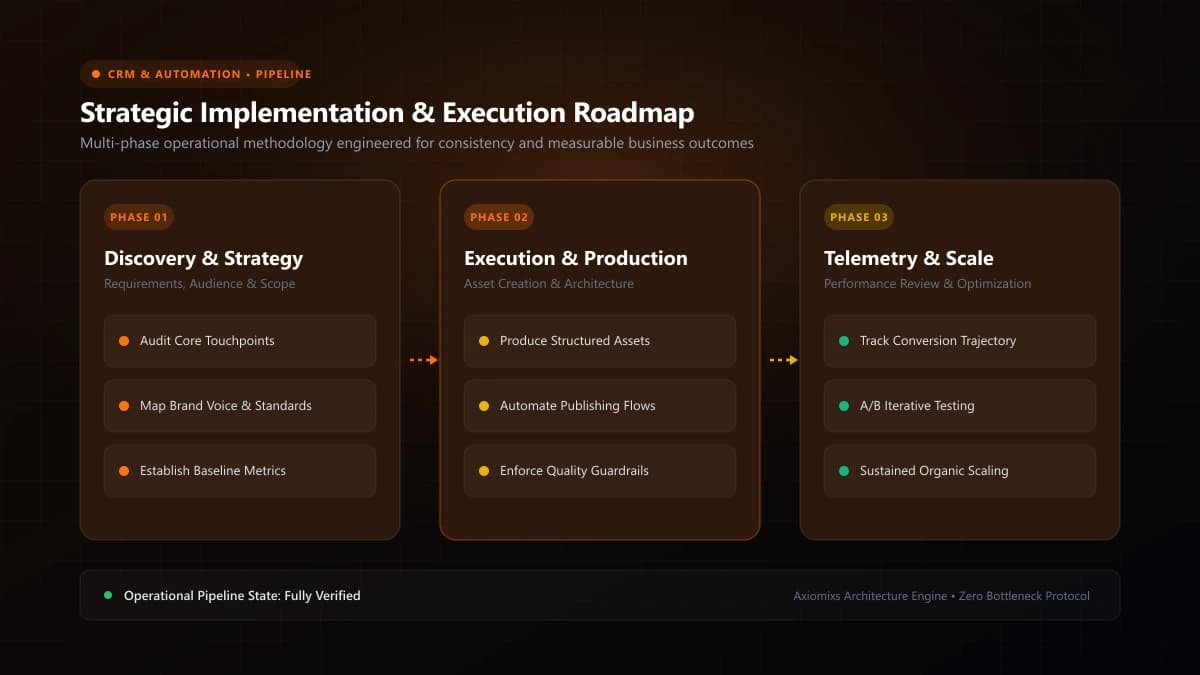
Figure 1.0 / System launch sequence timeline highlighting the critical order of setup operations before connecting live traffic
Phase 1: Company Profile & Domain Infrastructure
- Business Details Verified: Confirm legal company name, official address, and local timezone under Settings > Business Profile.
- Custom Email Subdomain Connected: Verify that SPF, DKIM, and DMARC DNS records are validated in your DNS host (Cloudflare/Namecheap) for optimal inbox deliverability.
- A2P 10DLC Telephony Approved: Confirm carrier approval status for your local business phone number to prevent outbound SMS filtering.
- Custom Funnel Domain Active: Ensure SSL certificates are active on your custom landing page domain (e.g.,
go.yourdomain.com).
Phase 2: CRM Architecture & Data Hygiene
- Custom Fields Grouped: Organize project and customer parameters into structured folders to prevent clutter.
- Opportunity Pipeline Defined: Establish clear deal stages with unambiguous entry/exit criteria and assigned lead values.
- Calendar Availability Configured: Verify buffer times, minimum scheduling notice (at least 4 hours), and bidirectional Google Calendar sync.
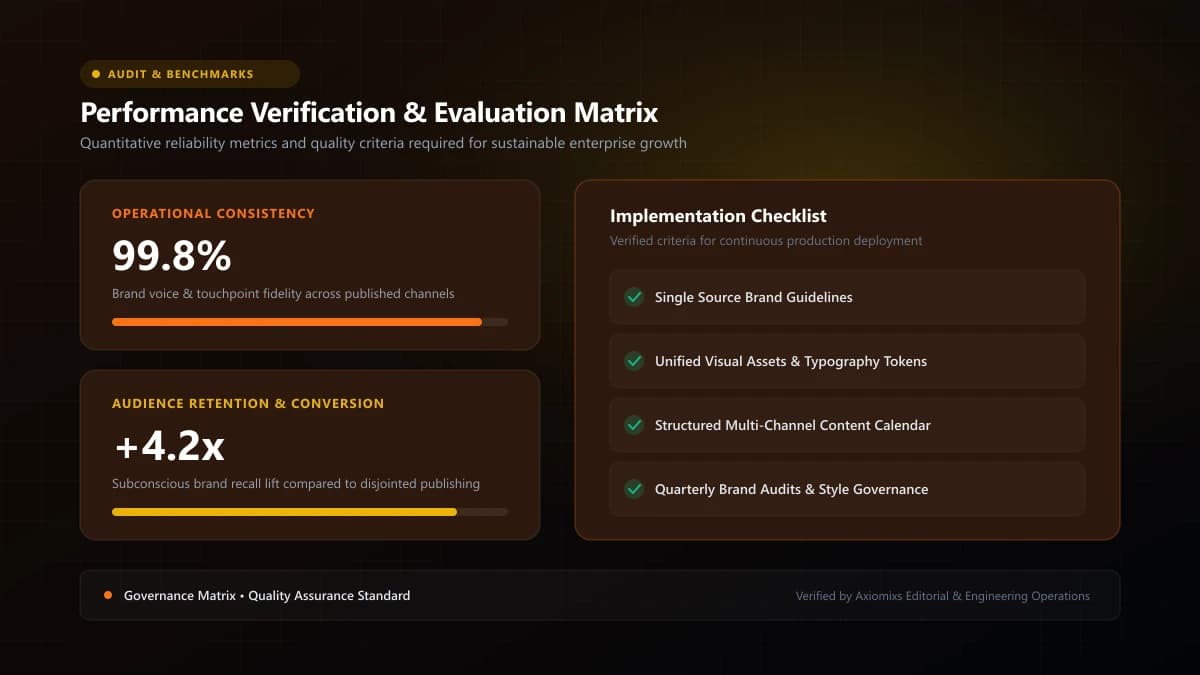
Figure 2.0 / End-to-end integration test scorecard evaluating form submissions, calendar booking, SMS dispatch, and CRM logging
Phase 3: Workflows & Automation Quality Assurance
- 'Stop on Response' Enabled: Verify that all lead follow-up sequences have Stop on Response toggled ON.
- Time Window Guardrails Active: Restrict SMS delivery strictly to standard daytime hours.
- Live Test Submission Executed: Submit a live test through your website form using a real personal smartphone and email. Confirm receipt of confirmation SMS, calendar email, and internal staff alerts.
- Execution Logs Inspected: Review the Workflow Execution Logs to ensure no errors, missing variables, or unmapped custom fields occurred.
Pre-Launch Verification Scorecard
| System Component | Verification Standard | Status |
|---|---|---|
| Email Deliverability | DMARC / DKIM validated; test email reaches Primary Inbox | [ ] Verified |
| A2P SMS Registration | Approved carrier campaign status; test SMS received | [ ] Verified |
| Calendar Booking | Syncs with Google Calendar; prevents double booking | [ ] Verified |
| Pipeline Deal Routing | Test submission creates Opportunity in correct stage | [ ] Verified |
| Staff Permissions | Sales reps restricted to assigned data; billing locked | [ ] Verified |
Frequently Asked Questions
What is the single most critical item on a HighLevel launch checklist?↓
Dedicated email domain authentication (DKIM, SPF, DMARC) and A2P 10DLC phone registration. Launching automated marketing sequences on unverified domains or numbers leads to immediate carrier filtering and spam flags.
How long does A2P 10DLC carrier registration take to approve?↓
Standard carrier review takes between 3 to 14 business days. Plan ahead and submit your business registration details well in advance of marketing campaign launches.
Who should review the GoHighLevel environment before connecting live ads?↓
An experienced technical CRM specialist should conduct an end-to-end test submission, verifying that lead capture, notifications, tags, calendar slots, and analytics tracking execute with zero friction.
Launch GoHighLevel with 100% Confidence
Axiomixs conducts thorough pre-launch audits and full-stack HighLevel configuration for scaling service businesses.
Request a Pre-Launch Audit →Related Engineering Guides
GoHighLevel CRM Setup: A Step-by-Step Guide for Businesses
A complete foundational guide to configuring GoHighLevel: sub-account architecture, custom fields, pipeline stages, calendar rules, and role permissions.
What Is GoHighLevel? A Beginner's Guide to GHL
An executive introduction to GoHighLevel (HighLevel): core platform architecture, pipeline management, automated workflows, and marketing capabilities.
How to Automate Lead Follow-Ups Using GoHighLevel
Design a high-converting, multi-channel lead follow-up workflow in GoHighLevel with stop triggers, owner assignment, and automated reminder sequences.