

GoHighLevel Pipeline Setup: How to Organize and Track Sales Leads
Learn how to build clear, actionable sales pipelines in GoHighLevel with strict entry/exit criteria, opportunity values, and automated deal stage alerts.
The Visual Engine of Sales Accountability
Without an organized sales pipeline, commercial sales operations operate in the dark. Leadership cannot accurately forecast quarterly revenue, sales reps forget which prospects have received proposals, and lucrative opportunities decay quietly in unmonitored inboxes.
GoHighLevel's visual Kanban opportunity boards provide complete visibility into your commercial revenue engine. However, building an effective pipeline requires establishing strict operational definitions for every stage rather than creating vague, arbitrary columns.
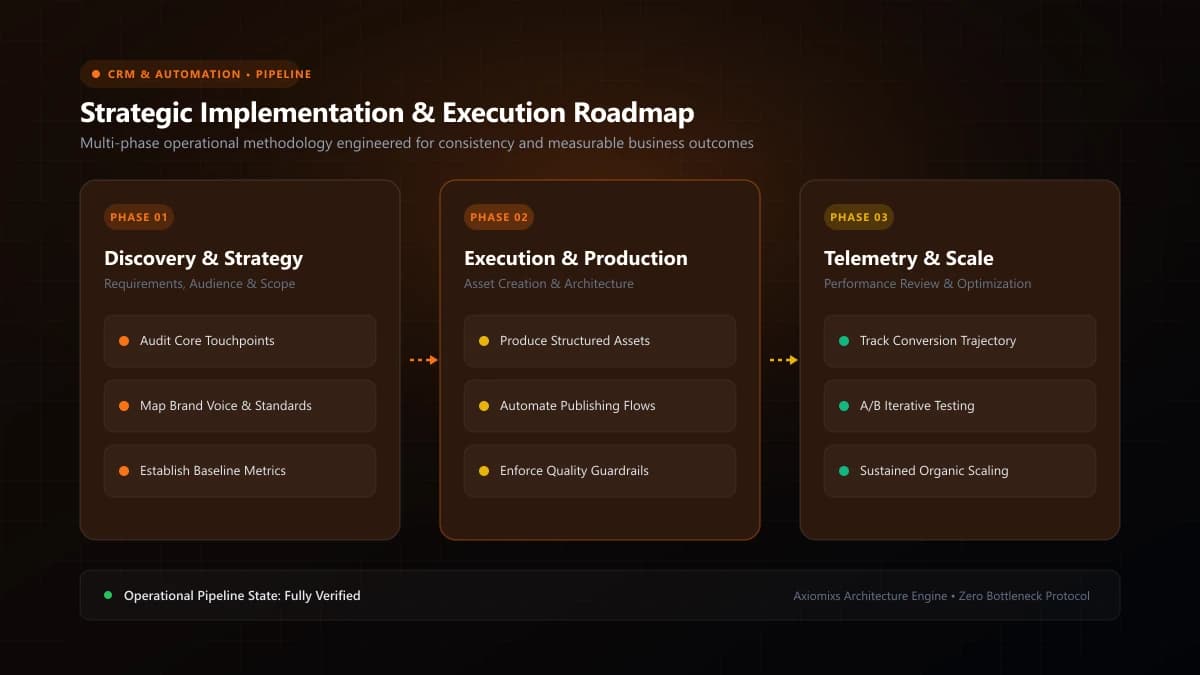
Figure 1.0 / Opportunity lifecycle flowchart tracking deals from inbound form submission to discovery, proposal, negotiation, and closed-won
The 6 Standard Stages of a High-Performing B2B Pipeline
- Stage 1: Inbound Lead (Captured): A new inquiry has submitted a website form or engaged via social channels. Entry rule: contact created, automated follow-up deployed.
- Stage 2: Discovery Call Scheduled: The prospect has chosen a time slot on your calendar. Entry rule: appointment confirmed, meeting reminders queued.
- Stage 3: Qualified / Scope Discovery: The discovery call occurred, the budget and timeline were qualified, and a formal proposal is being scoped.
- Stage 4: Proposal Dispatched: A tailored quotation and scope of work have been formally delivered to the client's decision-makers.
- Stage 5: Legal / In Review: Verbal agreement received; contracts or terms are undergoing procurement or legal review.
- Stage 6: Closed-Won (or Closed-Lost): Contract executed and initial retainer paid (or closed-lost with explicit reason logged).
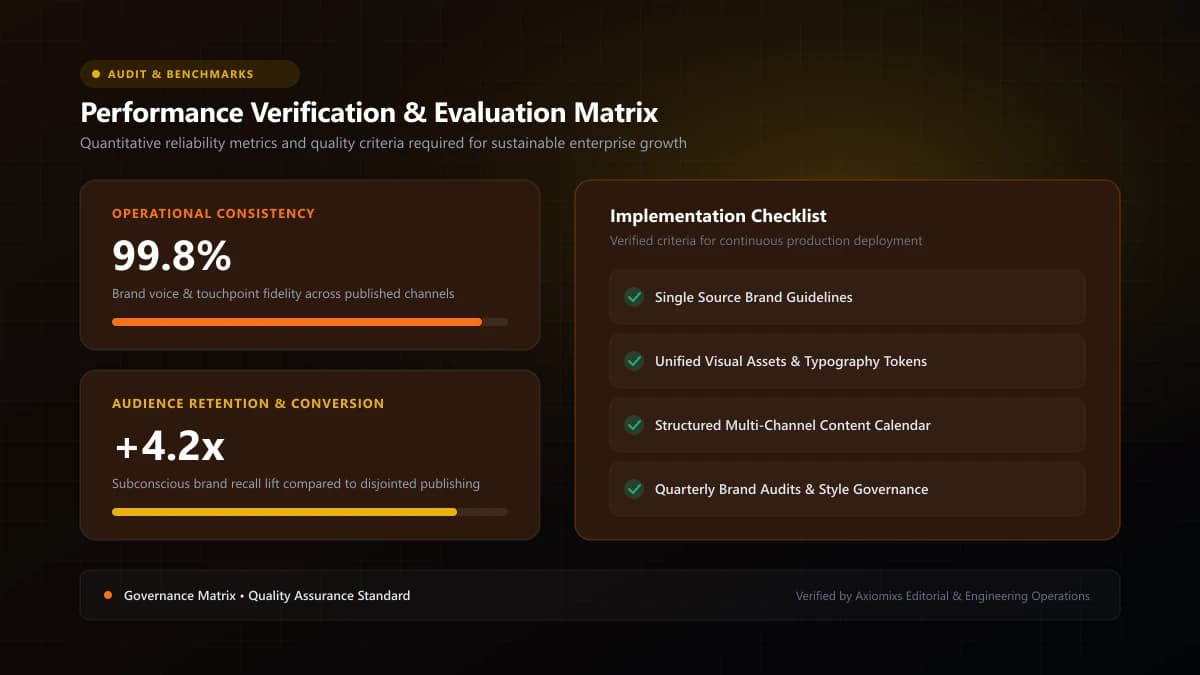
Figure 2.0 / Pipeline hygiene scorecard auditing stale opportunities, missing deal values, and unassigned sales reps
Stage Definitions and Automation Rules
| Stage Name | Strict Entry Requirement | Automated Workflow Action |
|---|---|---|
| Inbound Lead | Form submitted | Assign sales rep; send instant SMS/email confirmation. |
| Meeting Booked | Calendar confirmation | Pause marketing nurture; activate meeting reminder sequence. |
| Proposal Sent | Proposal dispatched | Schedule automated 3-day follow-up task for account executive. |
| Closed-Won | Contract signed + deposit | Trigger new client onboarding sequence; alert Slack channel. |
| Closed-Lost | Explicit decline | Apply loss reason tag; route into 90-day cold nurture sequence. |
Enforcing Pipeline Hygiene and Stale Deal Audits
A pipeline is only valuable if data remains fresh. Establish weekly pipeline review meetings where sales reps are accountable for two non-negotiable rules: every opportunity must have a defined monetary deal value, and no opportunity may sit in a stage for more than 14 days without an active next step scheduled.
Frequently Asked Questions
How many stages should a B2B sales pipeline have in GoHighLevel?↓
Between 5 and 7 stages is optimal. Too few stages hide pipeline bottlenecks, while having 15 granular stages causes sales reps to avoid updating the CRM.
What is the difference between a Contact and an Opportunity in HighLevel?↓
A Contact represents the individual person (name, email, phone). An Opportunity represents a specific commercial deal or transaction associated with that contact, including monetary value, pipeline stage, and expected close date.
Can HighLevel automatically move opportunities between pipeline stages?↓
Yes. HighLevel workflows can automatically update deal stages based on customer actions, such as booking an appointment on a calendar, signing a digital contract, or completing a payment.
Streamline Your Sales Pipeline Architecture
Axiomixs configures custom GoHighLevel sales pipelines with clear deal stages, automated task routing, and transparent revenue reporting.
Configure Your Sales Pipeline →Related Engineering Guides
GoHighLevel CRM Setup: A Step-by-Step Guide for Businesses
A complete foundational guide to configuring GoHighLevel: sub-account architecture, custom fields, pipeline stages, calendar rules, and role permissions.
What Is GoHighLevel? A Beginner's Guide to GHL
An executive introduction to GoHighLevel (HighLevel): core platform architecture, pipeline management, automated workflows, and marketing capabilities.
How to Automate Lead Follow-Ups Using GoHighLevel
Design a high-converting, multi-channel lead follow-up workflow in GoHighLevel with stop triggers, owner assignment, and automated reminder sequences.