

Common GoHighLevel Automation Mistakes and How to Fix Them
Diagnose and fix common HighLevel automation errors, including overlapping triggers, infinite messaging loops, timezone bugs, and missing stop conditions.
The Danger of Unchecked Automation
Automating customer communications is an immense operational superpower—until a misconfigured trigger sends 50 duplicate text messages to a prospective client at 3:00 AM. When automations go rogue, they erode customer trust, trigger spam carrier blocks, and embarrass your organization.
Fortunately, HighLevel automation failures are almost never random software glitches; they trace back to predictable configuration errors. Here is how to diagnose and resolve the most common automation pitfalls.
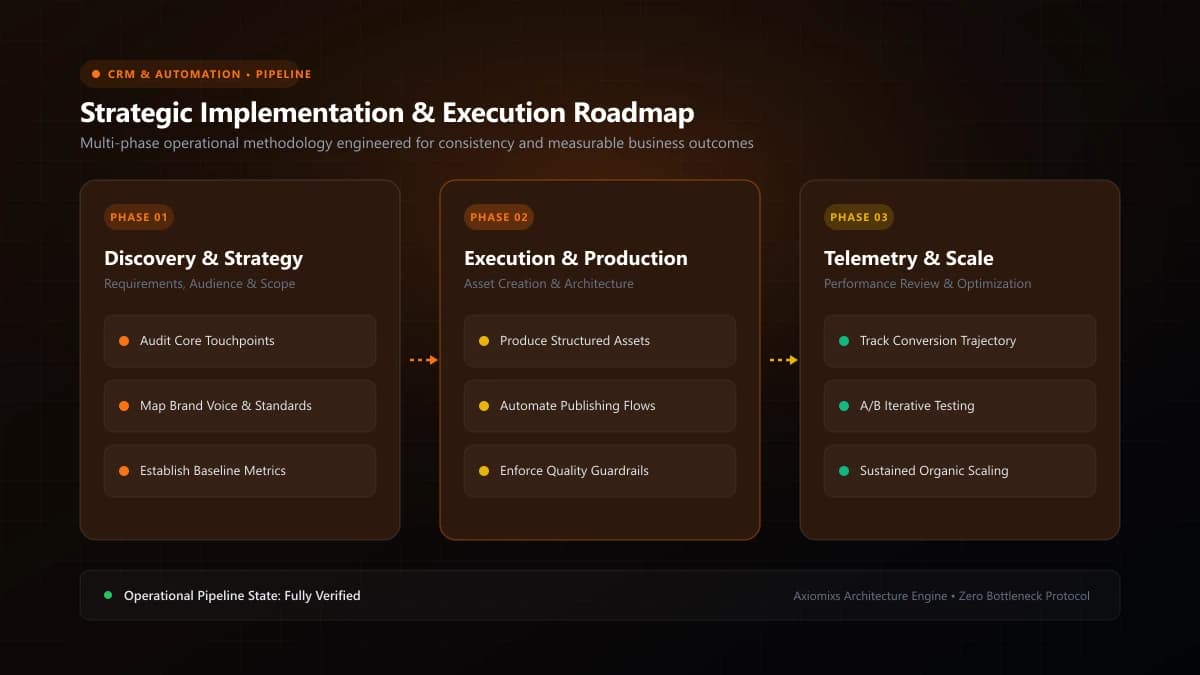
Figure 1.0 / Workflow logic troubleshooting tree isolating trigger conflicts, unconstrained delay steps, and missing exit tags
The 6 Most Common HighLevel Automation Pitfalls
1. Leaving 'Allow Re-entry' Enabled Without Guards
If you toggle "Allow Re-entry" ON in workflow settings, any contact that meets the trigger criteria again will restart the sequence from the beginning. If a contact submits a form three times to update their phone number, they will receive three simultaneous sets of automated follow-up messages. Only enable re-entry when explicitly required, and protect it with conditional tags.
2. Forgetting to Enable 'Stop on Response'
A prospect replies to your initial SMS asking: "Sounds great, can you call me tomorrow at 2 PM?" Two days later, your automated sequence blithely texts them: "Hey, haven't heard from you! Are you still interested?" This robotic disconnect makes your business look incompetent. Always enable Stop on Response for lead follow-up workflows.
3. Overlapping Legacy Triggers and Modern Workflows
HighLevel previously utilized separate "Triggers" and "Campaigns" before releasing unified "Workflows". Having an old legacy Trigger and a new Workflow both listening for the same form submission causes duplicate actions. Migrate all legacy triggers into modern workflows and delete the legacy assets.
4. Mismatched Account and Recipient Timezones
If your HighLevel business profile is set to UTC while your clients are in New York (EST), an automated email configured for "9:00 AM" will fire at 4:00 AM local client time. Verify timezone alignment in Business Profile settings.
5. Omitting Tag and Opportunity Cleanup
When leads progress through stages, remember to remove outdated tags. If a lead moves to "Closed-Won", remove the lead-inbound tag and add client-active. Failing to remove old tags causes contacts to accidentally trigger multiple conflicting nurture sequences.
6. Blind Publishing Without Execution Log Testing
Never switch a complex workflow from "Draft" to "Publish" without testing it against a real test contact. Inspect the Execution Logs to confirm that every action, delay, and branch followed the expected path.
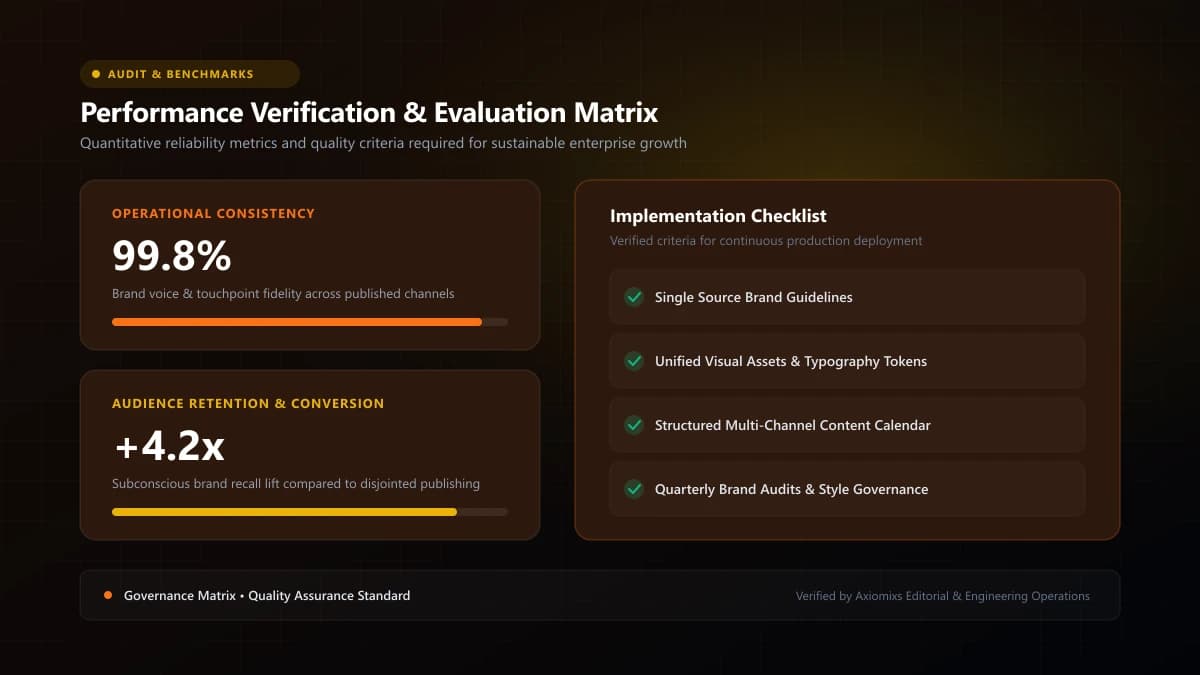
Figure 2.0 / Pre-deployment automation quality assurance checklist preventing embarrassing customer message duplicates
Automation Diagnostic Matrix
| Observed Glitch | Underlying Root Cause | Required Configuration Fix |
|---|---|---|
| Duplicate messages sent | Overlapping workflows or unchecked 'Allow Re-entry' | Disable duplicate workflows; enforce single-entry restriction. |
| Messages continuing after reply | 'Stop on Response' setting disabled | Toggle 'Stop on Response' ON in workflow settings. |
| Texts firing at 3:00 AM | Missing time window constraints | Enable 'Time Window' restriction (8:00 AM – 7:00 PM). |
| Workflow failing silently | Invalid custom field mapping or unverified phone number | Inspect Workflow Execution Logs for specific error code. |
Frequently Asked Questions
Why did a contact receive the exact same SMS three times in a row?↓
This occurs when multiple overlapping workflows trigger on the same event (e.g., both a legacy Trigger and a modern Workflow are active), or when 'Allow Re-entry' is enabled without re-entry delay constraints.
Where do I look to diagnose why a workflow failed to send an email?↓
Open the specific Workflow and click the 'Execution Logs' tab at the top. This displays a chronological audit trail showing exactly which step executed, which condition branch was followed, and specific error messages.
How do you prevent workflows from sending texts in the middle of the night?↓
In Workflow Settings, enable 'Time Window' restriction (e.g., Only execute between 8:00 AM and 7:00 PM). Actions reaching this step outside the window pause automatically until the next morning.
Audit and Fix Your GoHighLevel Automations
Axiomixs conducts deep-dive HighLevel workflow audits, resolving logic errors, broken triggers, and messaging compliance issues.
Request an Automation Audit →Related Engineering Guides
GoHighLevel CRM Setup: A Step-by-Step Guide for Businesses
A complete foundational guide to configuring GoHighLevel: sub-account architecture, custom fields, pipeline stages, calendar rules, and role permissions.
What Is GoHighLevel? A Beginner's Guide to GHL
An executive introduction to GoHighLevel (HighLevel): core platform architecture, pipeline management, automated workflows, and marketing capabilities.
How to Automate Lead Follow-Ups Using GoHighLevel
Design a high-converting, multi-channel lead follow-up workflow in GoHighLevel with stop triggers, owner assignment, and automated reminder sequences.