

How to Automate Appointment Booking and Reminders with GHL
Eliminate meeting no-shows and streamline consultation scheduling with GoHighLevel calendar setup, timezone detection, and automated reminders.
The True Cost of Meeting No-Shows
For service businesses, consultants, and enterprise agencies, scheduled sales discovery calls are the lifeblood of revenue. Yet many organizations suffer from 30% to 50% appointment no-show rates. Sales reps sit waiting in empty Zoom rooms, valuable executive calendar slots are wasted, and qualified pipeline decays.
No-shows rarely happen out of malice; they happen because prospective clients are busy, forgetful, and overwhelmed with daily work. HighLevel's native calendar and reminder workflows slash no-show rates by delivering timely, courteous reminders across multiple channels.
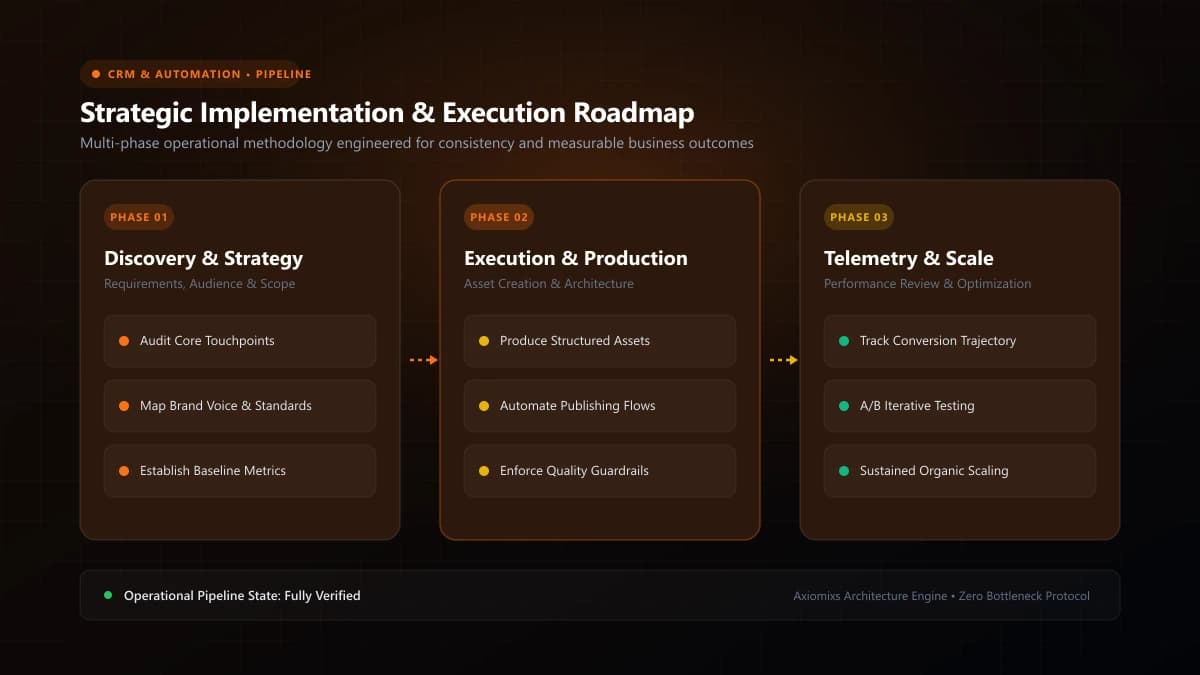
Figure 1.0 / Appointment timeline flowchart mapping calendar booking to confirmation, 24-hour email, 1-hour SMS, and post-meeting status update
Step 1: Configure Your HighLevel Booking Calendar
Navigate to Calendars > Calendar Settings and establish realistic scheduling parameters:
- Meeting Duration & Buffer Time: Set meetings to 30 or 45 minutes, with a 15-minute buffer between slots to allow reps to write notes.
- Minimum Scheduling Notice: Require at least 4 to 12 hours advance notice so leads cannot book a slot 10 minutes before it starts while your team is unprepared.
- Look-Ahead Horizon: Restrict bookings to maximum 7 to 10 days in advance; appointments booked 3 weeks out have an exponentially higher no-show probability.
Step 2: Engineer the Multi-Channel Reminder Workflow
Build a dedicated workflow triggered by Appointment Status: Confirmed. Structure communication across four deliberate milestones:
- Immediate Confirmation (Minute 0): Deliver Google / Outlook calendar invite with Zoom/Google Meet link and high-value preparation checklist.
- 24 Hours Before: Email reminder highlighting 3 key topics that will be discussed during the call, with a prominent reschedule link if their plans changed.
- 2 Hours Before: SMS reminder: "Looking forward to our call at {{appointment.time}}! Here is the meeting link: {{appointment.meeting_location}}."
- 10 Minutes Before: Final SMS reminder ensuring they have the meeting link ready on their device.
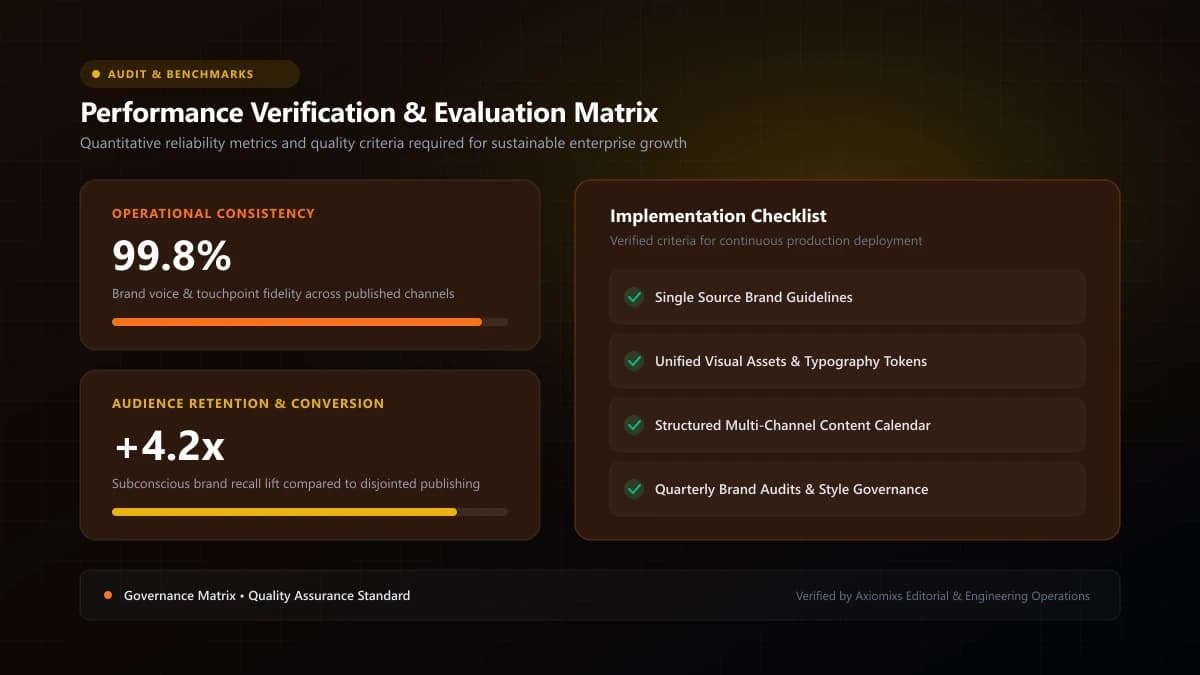
Figure 2.0 / Calendar configuration scorecard verifying buffer times, minimum scheduling notice, and automatic timezone conversion
Reminder Sequence Timeline
| Timing | Channel | Primary Content & Function |
|---|---|---|
| Instant | Email + Calendar Invite | Official calendar confirmation with meeting link and preparation notes. |
| 24h Before | Value reminder and seamless 1-click reschedule link. | |
| 2h Before | SMS | Short conversational notification with direct video link. |
| 10m Before | SMS | Final reminder ensuring lead is prepared to join on time. |
Handling Cancellations and No-Shows Gracefully
If the client uses the reschedule link, HighLevel automatically updates the calendar slot and adjusts the timing of all pending reminder messages. If the status changes to "No-Show", trigger an automated recovery workflow to offer a new booking time without awkward manual outreach.
Frequently Asked Questions
How does HighLevel prevent double-booking across team calendars?↓
HighLevel syncs bidirectionally with Google Calendar and Microsoft Outlook. If an external meeting is added to a team member's Google Calendar, HighLevel automatically blocks that time slot on the public booking page.
Can clients reschedule or cancel appointments without calling?↓
Yes. HighLevel provides dynamic merge tags (e.g., {{appointment.reschedule_link}} and {{appointment.cancellation_link}}) that can be embedded in every confirmation and reminder message.
Does HighLevel handle different timezones automatically?↓
Yes. HighLevel detects the prospective client's local browser timezone automatically and converts team availability slots so both parties receive reminders accurate to their local time.
Eliminate No-Shows with Automated Calendars
Axiomixs integrates seamless GoHighLevel appointment booking engines with high-retention multi-channel reminder workflows.
Configure Appointment Automation →Related Engineering Guides
GoHighLevel CRM Setup: A Step-by-Step Guide for Businesses
A complete foundational guide to configuring GoHighLevel: sub-account architecture, custom fields, pipeline stages, calendar rules, and role permissions.
What Is GoHighLevel? A Beginner's Guide to GHL
An executive introduction to GoHighLevel (HighLevel): core platform architecture, pipeline management, automated workflows, and marketing capabilities.
How to Automate Lead Follow-Ups Using GoHighLevel
Design a high-converting, multi-channel lead follow-up workflow in GoHighLevel with stop triggers, owner assignment, and automated reminder sequences.