

How to Connect Website Forms to GoHighLevel CRM
Learn how to connect custom website forms, WordPress plugins, and Webflow landing pages to GoHighLevel using native embeds and webhooks.
The Ingestion Engine: Connecting Your Storefront to Your CRM
Your business website is your primary digital storefront. However, if inquiries submitted through your website forms remain trapped in email notifications or require manual copy-pasting into your CRM, your lead response time suffers and valuable prospects fall through the cracks.
Connecting your website forms directly to GoHighLevel guarantees that every inbound inquiry instantly generates a verified contact record, triggers automated follow-up sequences, and alerts your sales team in real time.
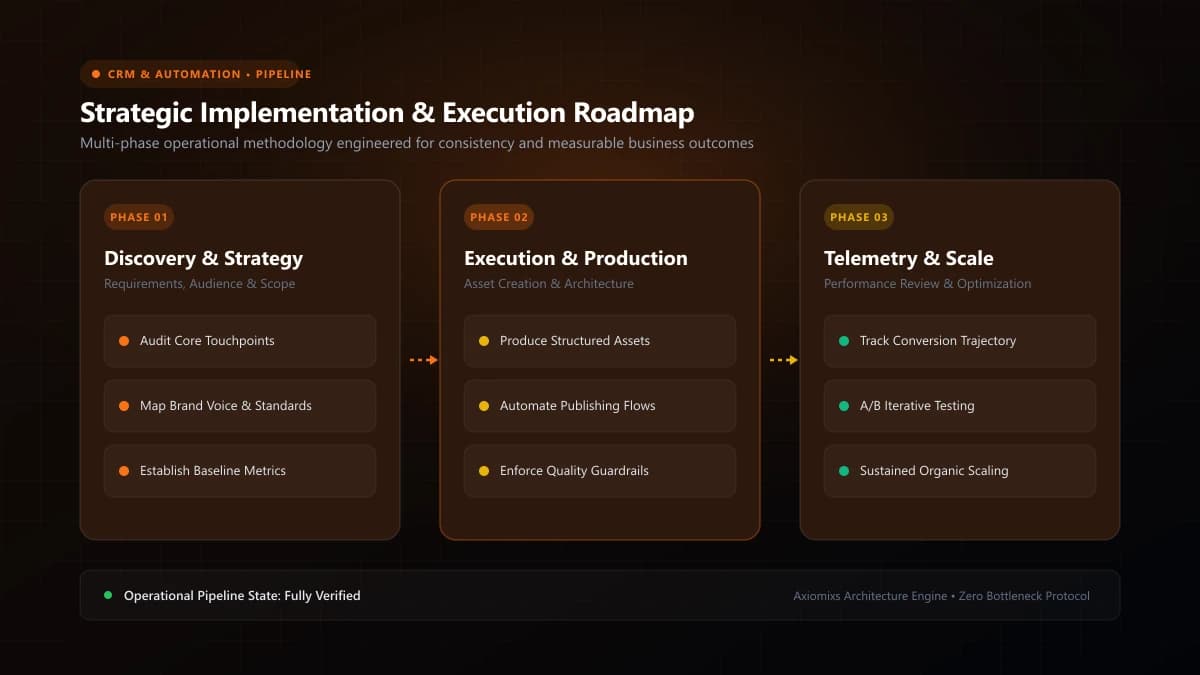
Figure 1.0 / Integration options comparison diagram contrasting native HighLevel form embeds with custom REST API webhook pipelines
Method 1: Native HighLevel Form Embed (Fastest & Most Reliable)
The most straightforward integration method utilizes HighLevel's native form builder (Sites > Forms > Builder):
- Drag and drop standard contact fields (First Name, Last Name, Email, Phone) and custom fields (Project Budget, Service Needed).
- Style the form to match your brand typography, colors, and button styling.
- Copy the native embed code and paste it into your CMS (WordPress, Webflow, Squarespace, or custom HTML).
- Advantages: Automatic spam filtering, built-in submission tracking, and immediate workflow triggering with zero third-party tools.
Method 2: Inbound Webhook Integration (For Custom Frameworks & Headless Sites)
If you operate a custom React, Next.js, or headless web application where you require bespoke front-end form UI and complete code control, connect via webhooks:
- Inside HighLevel, create a new Workflow and select Inbound Webhook as the trigger. Copy the unique Webhook URL provided.
- In your web application's server-side form handler (e.g., Next.js Route Handler or Server Action), dispatch a
POSTrequest containing the JSON payload of the submission to the HighLevel Webhook URL. - Submit a live test form from your website to send sample data to HighLevel.
- In the HighLevel workflow, map the incoming JSON keys to HighLevel contact fields:
data.email → Contact.Email,data.phone → Contact.Phone, anddata.budget → Custom_Field.Budget.
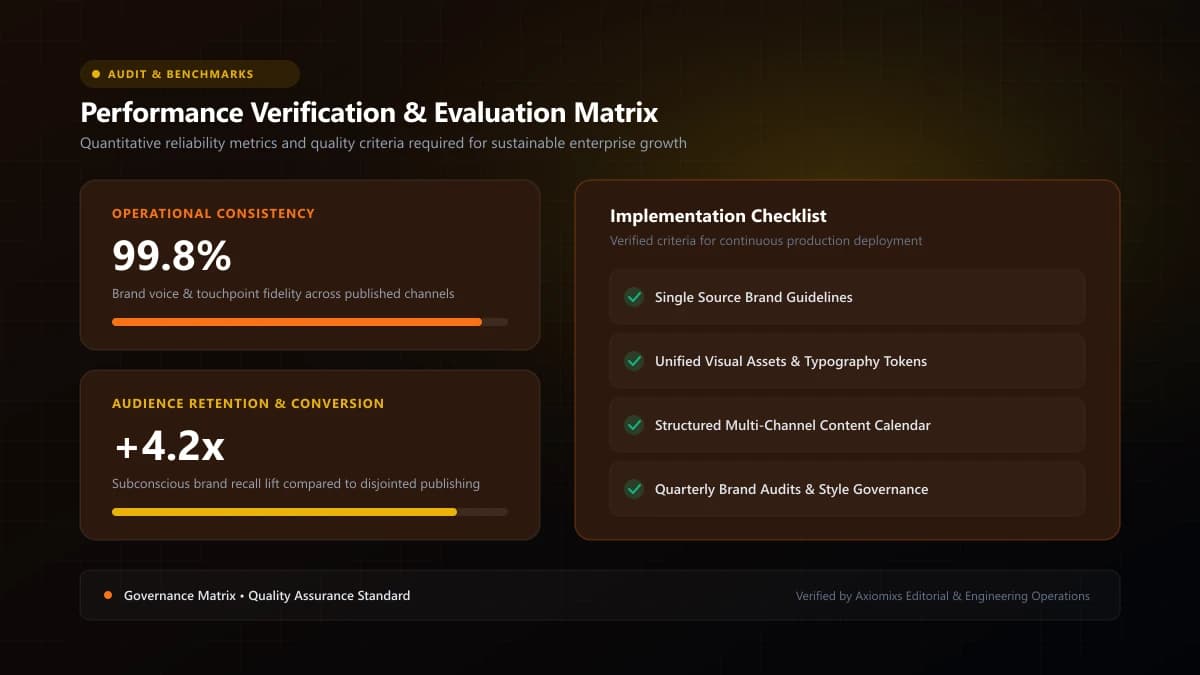
Figure 2.0 / Form integration verification checklist detailing spam honeypots, field validation, and test lead submissions
Comparison of Integration Methods
| Integration Method | Technical Complexity | UI Customization Level | Optimal Use Case |
|---|---|---|---|
| Native HighLevel iFrame Embed | Beginner (Copy/Paste) | Standard (HighLevel CSS styling) | WordPress, Webflow, standard corporate landing pages. |
| Inbound Webhook Pipeline | Intermediate (API / Code) | 100% Unlimited custom UI control | Next.js, React, custom full-stack web applications. |
| Zapier / Make Middleware | Low (No-Code GUI) | Depends on form builder | Legacy form plugins lacking native webhook support. |
Testing & QA Verification
Never assume an integration works without comprehensive verification. Submit three distinct test scenarios: a standard complete submission, a submission with missing non-required fields, and a mobile submission. Confirm that contacts appear with correct tags, no duplicate records are created, and automated auto-replies trigger within 30 seconds.
Frequently Asked Questions
Can a custom Next.js or React website send leads directly to GoHighLevel?↓
Yes. Custom web applications can post form submission payloads directly to a HighLevel Inbound Webhook workflow trigger or utilize the HighLevel REST API (v2) for seamless background data synchronization.
What is the easiest way to add a HighLevel form to WordPress or Webflow?↓
Create the form inside HighLevel under Sites > Forms, copy the responsive JavaScript/iFrame embed snippet, and paste it directly into an HTML code block on your website.
How do you protect website forms from bot spam in HighLevel?↓
Enable Google reCAPTCHA v3 or Turnstile inside HighLevel form settings, activate honeypot spam protection, and add email/phone format validation to filter out bogus entries.
Seamlessly Connect Your Website to HighLevel
Axiomixs engineers secure, reliable website-to-CRM integrations that guarantee zero lost inquiries and instant lead routing.
Request Form Integration →Related Engineering Guides
GoHighLevel CRM Setup: A Step-by-Step Guide for Businesses
A complete foundational guide to configuring GoHighLevel: sub-account architecture, custom fields, pipeline stages, calendar rules, and role permissions.
What Is GoHighLevel? A Beginner's Guide to GHL
An executive introduction to GoHighLevel (HighLevel): core platform architecture, pipeline management, automated workflows, and marketing capabilities.
How to Automate Lead Follow-Ups Using GoHighLevel
Design a high-converting, multi-channel lead follow-up workflow in GoHighLevel with stop triggers, owner assignment, and automated reminder sequences.