
2D Animation vs 3D Animation vs Motion Graphics: Key Differences
Distinguish between 2D vector animation, 3D computer graphics, and kinetic motion graphics to select the optimal visual style for your project.
Clarifying Animation Terminology
Business leaders commissioning video content frequently use the terms "animation", "motion graphics", and "3D" interchangeably. However, in professional digital production, these represent distinct artistic disciplines, software pipelines, and cost structures.
Choosing the wrong style can inflate your production budget or result in a visual tone that clashes with your target executive audience. Here is how to distinguish between the three primary animation categories.
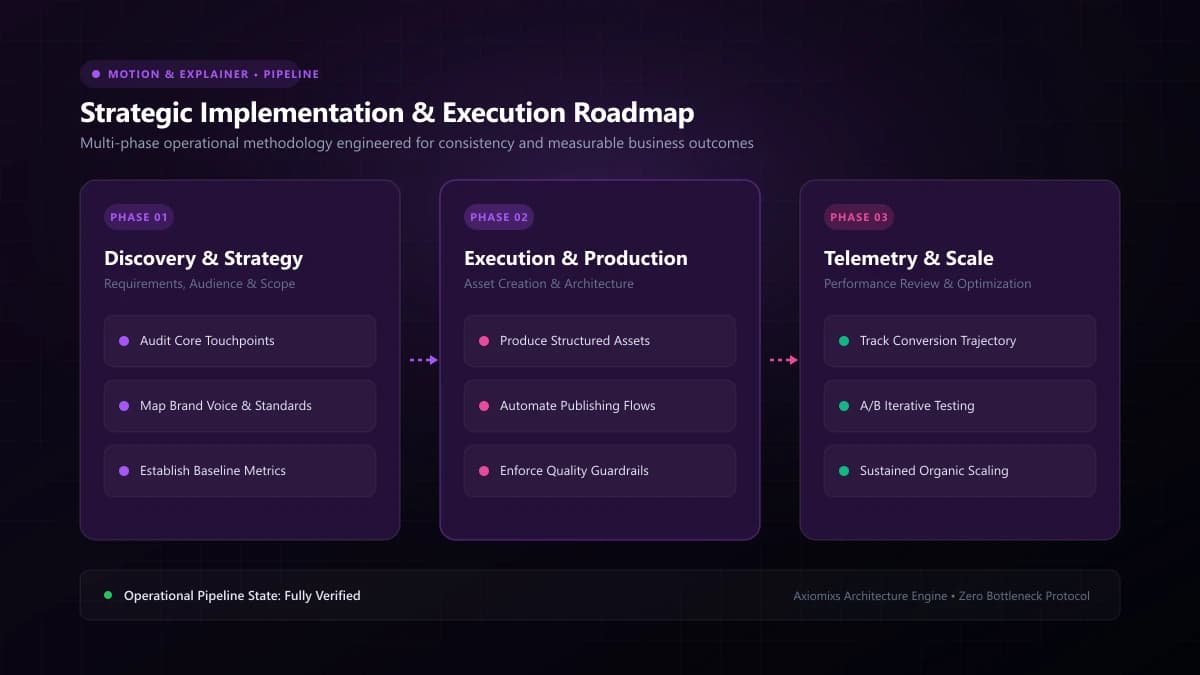
Figure 1.0 / Production pipeline comparison contrasting 2D vector keyframing with 3D texturing, lighting, and ray-traced rendering
1. 2D Vector Animation: Character-Driven Storytelling
2D animation operates along flat X and Y coordinate planes. It is characterized by illustrated characters, stylized environments, and expressive figurative motion.
- Software Pipeline: Adobe After Effects, Illustrator, Animate, Toon Boom Harmony.
- Best For: Storytelling that relies on empathy, relatable human scenarios, consumer services, and educational walkthroughs.
2. Motion Graphics: Design in Motion
Motion graphics is the art of animating graphic design assets: geometric shapes, typography, charts, user interface models, and data visualizers. It rarely features fully rigged cartoon characters.
- Software Pipeline: After Effects, Cinema 4D (Lite), Cavalry.
- Best For: B2B enterprise software, fintech, brand logo reveals, title sequences, metric dashboards, and technical product features.
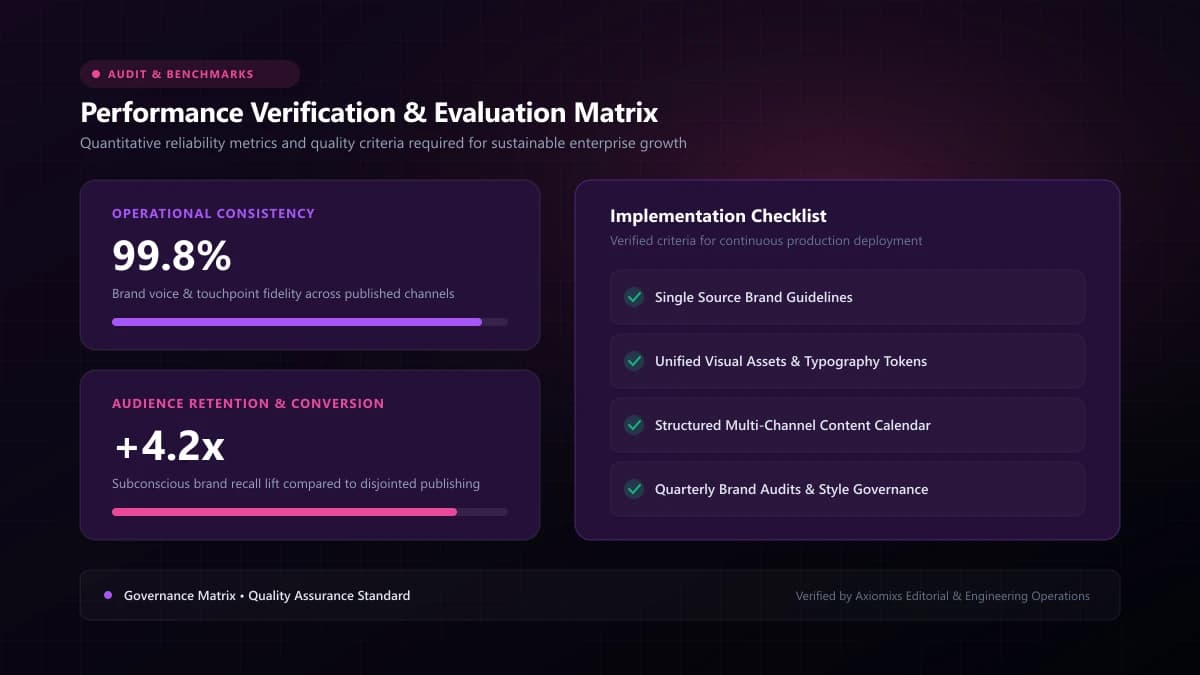
Figure 2.0 / Style selection worksheet matching commercial requirements against rendering timelines and production budgets
3. 3D Computer Graphics (CGI): Photorealistic Depth
3D animation operates in a simulated 3-dimensional virtual space (X, Y, and Z axes). Artists construct polygon wireframe meshes, apply realistic physical textures (glass, metal, rubber), configure virtual studio lighting, and simulate camera lenses with physical depth of field.
- Software Pipeline: Blender, Cinema 4D, Houdini, Maya, Redshift, Octane.
- Best For: Consumer electronics, luxury packaging, automotive engineering, architectural fly-throughs, and exploded mechanical breakdowns.
Technical & Production Comparison Matrix
| Production Dimension | 2D Vector Animation | Kinetic Motion Graphics | 3D Computer Graphics (CGI) |
|---|---|---|---|
| Asset Creation | Vector illustration & character rigging | Typography, UI kits, geometric layouts | 3D polygonal modeling, texturing, UV mapping |
| Rendering Overhead | Minutes per scene on standard workstations | Fast rendering directly within After Effects | Hours per scene requiring GPU render farms |
| Revision Flexibility | Moderate (adjusting vector keyframes) | High (adjusting text and layout layers) | Low (camera/geometry changes require full re-renders) |
| Typical Production Time | 3 to 5 weeks | 2 to 4 weeks | 6 to 10+ weeks |
Frequently Asked Questions
Which style is most cost-effective for a tech startup?↓
2D motion graphics and kinetic typography typically offer the highest commercial ROI for tech startups, delivering rapid production turnarounds and clean, modern aesthetics without heavy 3D rendering overhead.
When is 3D animation strictly necessary?↓
3D animation is essential when showcasing physical product mechanics, internal industrial hardware, medical devices, architectural spaces, or photorealistic lighting on complex materials.
Can 2D and 3D elements be combined in a single video?↓
Yes. Many cutting-edge commercial videos use 2D/3D hybrid styles—such as placing 2D character overlays inside a 3D isometric environment, or integrating 3D product renders into clean 2D graphic layouts.
Select the Perfect Animation Style
Axiomixs engineers 2D vector motion, photorealistic 3D product renders, and kinetic typography tailored to your exact brand identity.
View Animation Portfolio →Related Engineering Guides
Animated Videos vs Live-Action Videos: Which Is Better for Business?
Evaluate animated and live-action video formats across production logistics, revision flexibility, emotional connection, and budget allocation.
How Animated Explainer Videos Help SaaS Businesses Explain Complex Products
Learn how SaaS companies use animated explainer videos to clarify complex software architectures, increase trial signups, and streamline user onboarding.
How Much Does an Animated Explainer Video Cost in 2026?
Understand the realistic pricing variables, production stages, style drivers, and scope parameters that dictate animated video production budgets.