
How Motion Graphics Can Make Your Brand Look More Professional
Learn how a unified motion design system—including animated logos, UI transitions, and branded video templates—elevates corporate perception.
The Static Era Is Over
For decades, a corporate brand identity consisted of a static logo, a primary color palette, and two approved fonts printed in a static PDF brand book. In today's digital landscape, however, customers experience brands almost entirely through illuminated digital screens: responsive websites, mobile applications, social video feeds, and digital presentations.
How your brand moves is now as critical as how it looks in print. Motion graphics transforms static corporate assets into dynamic, living systems that project prestige, authority, and meticulous attention to detail.
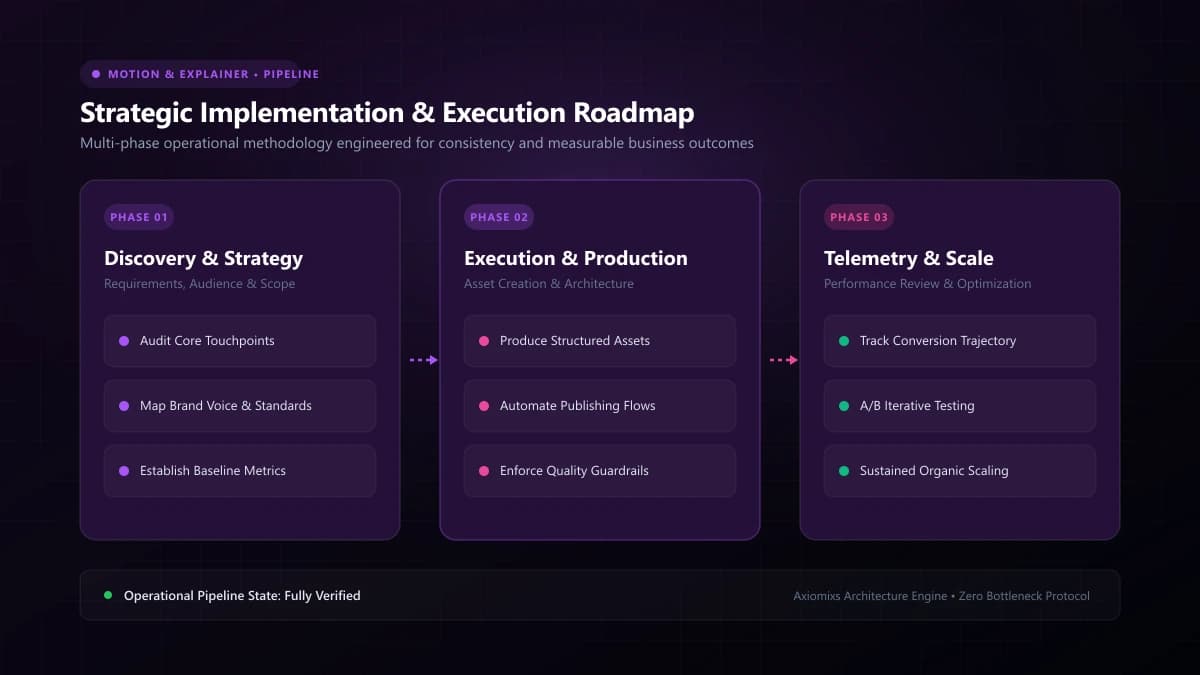
Figure 1.0 / Motion design language framework defining brand kinetic physics, easing curves, and duration parameters
Core Applications of Brand Motion Design
1. The Signature Animated Logo (Ident)
A 2-to-3-second animated logo reveal serves as the professional bookend for company videos, sales presentations, keynote speeches, and mobile app launch screens. When executed with subtle elegance, it signals to clients that your organization invests in premium craft.
2. Standardized Video Packaging Templates
Equip your internal video and social media teams with standardized After Effects or Premiere templates for lower-third name titles, quote callouts, metric badges, and transition wipes. This prevents team members from using mismatched fonts and random transitions.
3. Web & Product UI Micro-Interactions
Movement inside digital software interfaces should feel intentional, not chaotic. Defining consistent motion physics—how modal windows slide in, how dropdowns expand, how data charts animate on scroll—creates a cohesive software experience that delights users.
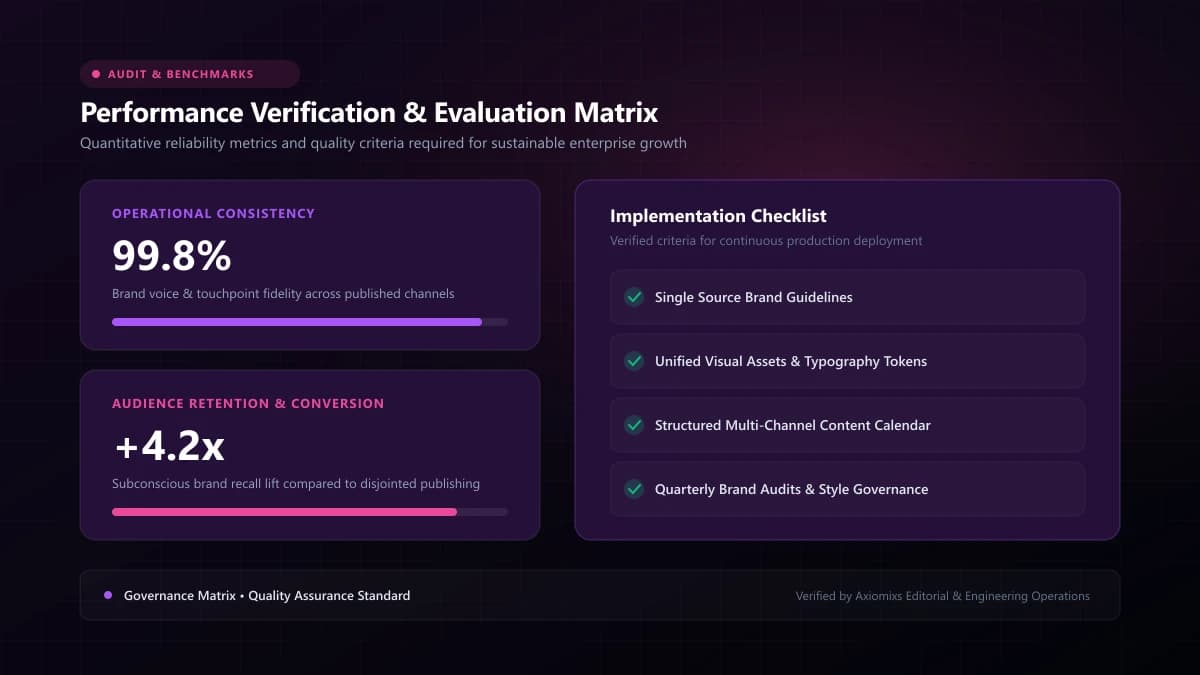
Figure 2.0 / Cross-platform motion application scorecard spanning web UI interactions, video intros, and social media reels
Defining Your Brand's Motion Principles
| Brand Archetype | Motion Personality | Technical Motion Characteristics |
|---|---|---|
| Fintech & Enterprise Security | Precise, stable, authoritative | Snappy durations (150–250ms), linear or stiff cubic easing, zero bounce. |
| Consumer Social & Lifestyle | Playful, energetic, friendly | Elastic springs, slight overshoot bounces, fluid squash-and-stretch. |
| Luxury & High-End Design | Graceful, deliberate, cinematic | Long gentle decelerations (600–1000ms), sweeping camera moves, subtle fades. |
The Principle of Restraint
True professionalism in motion design is characterized by restraint. Gratuitous spinning icons, bouncing headings, and disorienting parallax effects distract users and signal amateurish design. Motion must always serve functional clarity: guiding the eye, confirming an action, or simplifying comprehension.
Frequently Asked Questions
Does every modern business need an animated logo?↓
For brands with digital customer touchpoints (websites, video content, mobile apps, digital presentations), an animated logo provides an unmistakable signature of engineering polish and modern sophistication.
What is a motion design system?↓
A motion design system codifies the physics and behavior of how a brand moves: standard easing curves (e.g., cubic-bezier), animation duration tokens (150ms vs. 400ms), and entrance/exit rules for UI elements and video graphics.
How do motion graphics improve website user experience?↓
Subtle micro-animations (button hover states, smooth menu unfolds, skeleton loading transitions) give users immediate visual feedback, making digital web apps feel snappy, responsive, and alive.
Codify Your Brand's Motion Design System
Axiomixs crafts comprehensive brand motion identities, animated logos, and modular video templates that ensure corporate consistency.
Build Your Motion System →Related Engineering Guides
Animated Videos vs Live-Action Videos: Which Is Better for Business?
Evaluate animated and live-action video formats across production logistics, revision flexibility, emotional connection, and budget allocation.
2D Animation vs 3D Animation vs Motion Graphics: Key Differences
Distinguish between 2D vector animation, 3D computer graphics, and kinetic motion graphics to select the optimal visual style for your project.
How Animated Explainer Videos Help SaaS Businesses Explain Complex Products
Learn how SaaS companies use animated explainer videos to clarify complex software architectures, increase trial signups, and streamline user onboarding.