

7 Video Editing Mistakes That Make Business Content Look Unprofessional
Identify and eliminate amateur editing habits including muddy audio, chaotic pacing, unreadable captions, and inconsistent brand framing.
The Subconscious Impact of Editorial Polish
When a prospective client watches a video produced by your company, they are not merely evaluating the spoken information—they are evaluating your organization's attention to detail, technical standards, and overall professionalism.
Amateur video editing mistakes immediately erode trust. Fortunately, achieving a polished corporate aesthetic does not require Hollywood budgets; it requires avoiding these 7 pervasive editorial missteps.
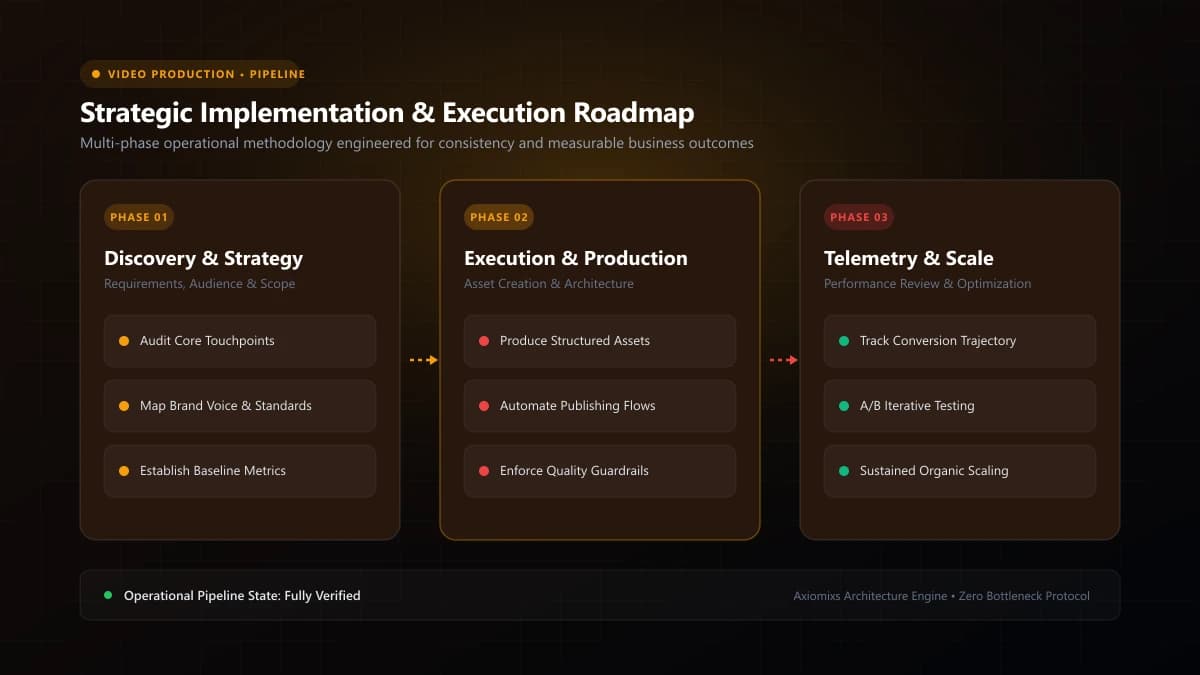
Figure 1.0 / Comparison illustration contrasting muddy unnormalized audio curves with cleanly mastered dialogue
The 7 Most Damaging Business Video Editing Mistakes
1. Muddy Audio and Overpowering Background Music
Nothing reveals an inexperienced editor faster than background music that competes with dialogue. Speech must always sit prominently in the mix. Apply basic EQ (low-cut rumble under 80Hz), slight compression to even out volume spikes, and duck music by 15–20dB whenever voiceover occurs.
2. Sluggish Pacing and Dead Air
Leaving long pauses, "umms", and throat clearings in corporate talking-head videos causes viewer retention to plummet. Tighten pauses between sentences, and use J-cuts and L-cuts to seamlessly transition audio across visual edits.
3. Unreadable and Misaligned Subtitles
Using tiny fonts, low-contrast text without drop shadows, or placing captions directly over Instagram's bottom interface icons makes your video frustrating to consume. Keep subtitles centered within platform safe zones using clean sans-serif typography.
4. Chaotic, Gimmicky Transitions
Flashy 3D spins, explosive page peels, and excessive whip-pans distract from your core message and feel like amateur home movies. Professional B2B video relies on clean hard cuts, subtle J-cuts, and occasional intentional cross-dissolves.
5. Inconsistent Color Temperature and Exposure
Intercutting footage where one camera angle is warm and orange while the next is cold and blue disorients viewers. Normalize white balance across all clips before applying any creative color grade.
6. Overusing Cheesy Generic Stock Footage
Inserting clips of generic corporate actors laughing at blank whiteboards breaks viewer immersion. Prioritize authentic screen captures, real product b-roll, or custom kinetic typography over generic stock libraries.
7. Omitting a Clear, Direct Closing Next Step
Videos that end abruptly with no closing takeaway leave viewers stranded. Conclude with a clean 3-second branded title card specifying the exact URL or action the viewer should explore next.
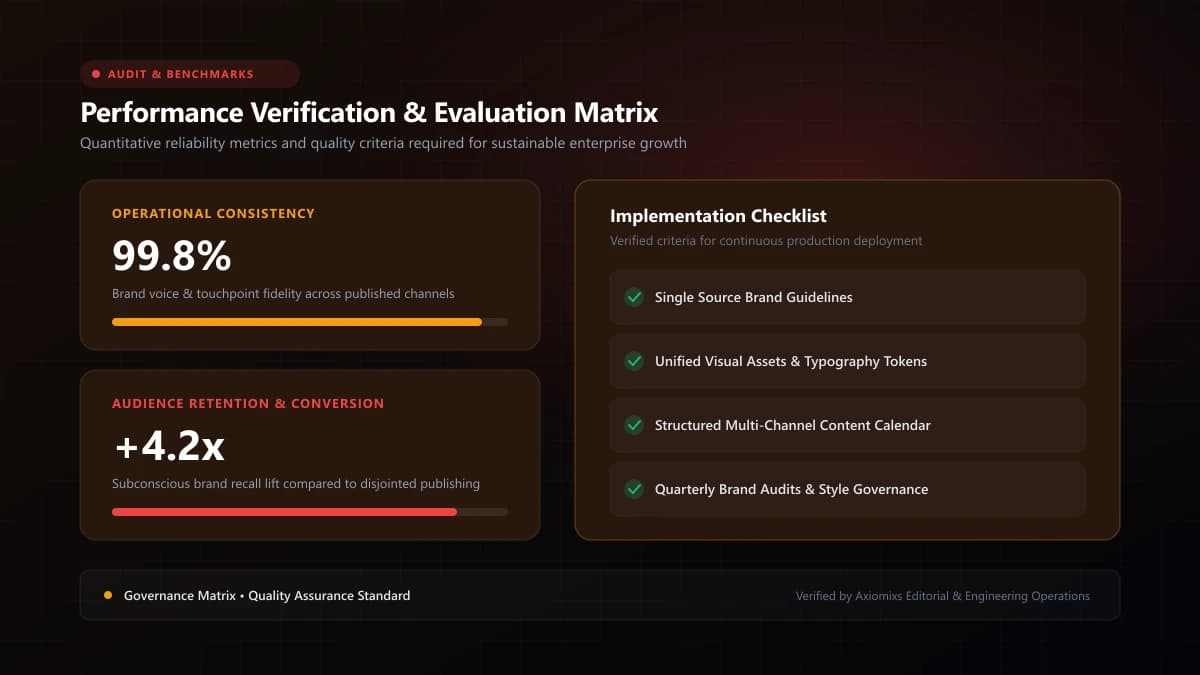
Figure 2.0 / Subtitle readability scorecard detailing font size, background contrast, and safe-zone margins
Professional Quality Control Checklist
| Technical Element | Target Quality Benchmark |
|---|---|
| Dialogue Levels | Peaks between -6dB and -3dB; clean noise reduction applied |
| Music Ducking | Music drops to -22dB to -26dB during voiceover |
| Caption Margins | Minimum 150px clearance from top and bottom mobile borders |
| Framing / Eye-Line | Speaker's eyes positioned along the upper third grid line |
Frequently Asked Questions
What is the single most damaging technical mistake in business video?↓
Poor audio mixing. When background music drowns out the speaker's voice, or when dialogue is recorded with harsh room echo, viewers judge the company as amateurish and immediately exit.
What are video 'safe zones' and why do they matter on social platforms?↓
Safe zones are the screen areas unobstructed by platform UI elements (like usernames, like buttons, comment icons, and caption bars). Placing text outside safe zones renders subtitles unreadable.
How loud should speech audio be in a web video?↓
For web and social video, dialogue should typically peak between -6dB and -3dB, with integrated loudness normalized around -14 LUFS to -16 LUFS to comply with streaming standards.
Produce Broadcast-Grade Commercial Videos
Axiomixs delivers professional video editing, sound design, color grading, and dynamic motion graphics that elevate your brand.
Discover Video Editing →Related Engineering Guides
How Short-Form Videos Help Businesses Reach More Customers
Learn how vertical short-form video content drives discovery, brand recall, and customer acquisition across Instagram Reels, YouTube Shorts, and TikTok.
Product Video Ideas for E-commerce Brands
12 creative, high-converting product video concepts that answer buyer questions, reduce return rates, and accelerate online store sales.
How to Create a Monthly Video Content Strategy
A practical 4-week framework for small teams to batch scripts, film footage, edit deliverables, and maintain consistent video distribution.