

7 Business Processes Small Businesses Should Automate
Identify repetitive administrative bottlenecks and implement reliable automated workflows across lead routing, invoicing, and customer onboarding.
The Hidden Tax of Manual Operations
In growing small businesses, administrative drag accumulates gradually: copying form submissions from email into spreadsheets, manually typing invoice reminders, sending repetitive onboarding emails, and chasing team members for task updates. Before long, key employees spend 40% of their working hours acting as human copy-paste bridges between disconnected software apps.
Business process automation replaces manual data entry with reliable event-driven triggers. When configured properly, automation frees your leadership and customer-facing teams to focus on revenue-generating strategic work.
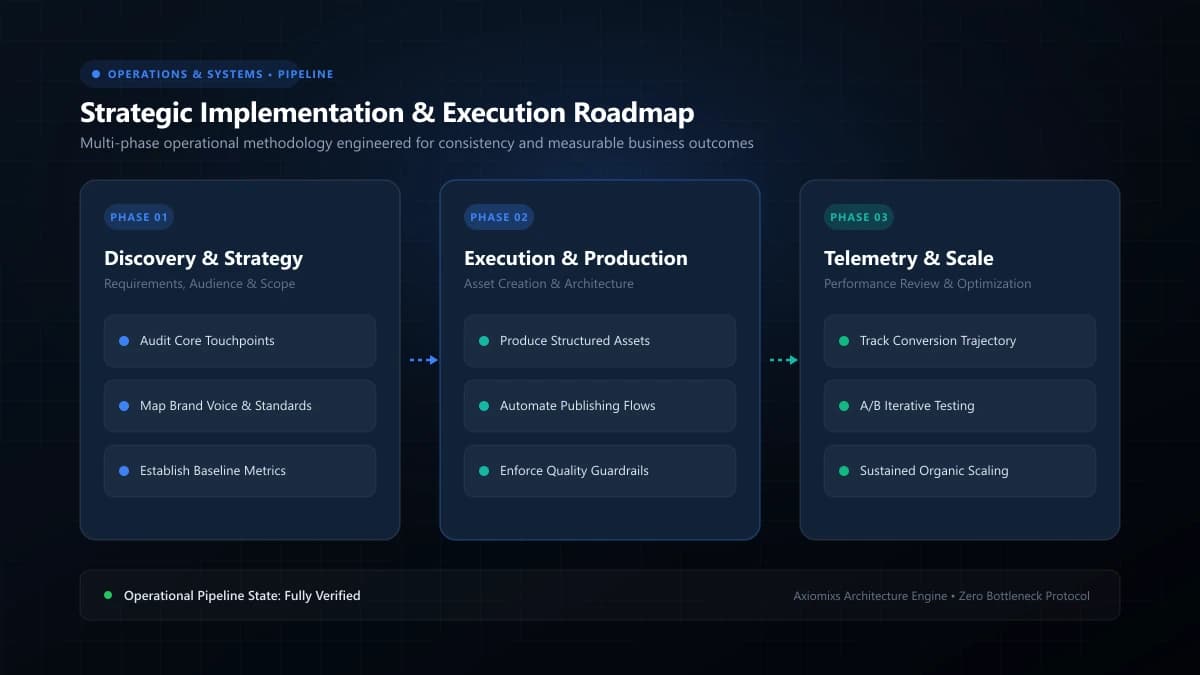
Figure 1.0 / System pipeline diagram illustrating lead intake routing, CRM assignment, and automated calendar notifications
7 High-Impact Processes Every Small Business Should Automate
1. New Lead Ingestion and Instant Acknowledgment
When a prospect submits a contact form on your website, waiting 6 hours to respond decimates conversion rates. An automated workflow captures the submission via webhook, creates a contact record in your CRM, alerts the account manager via Slack or SMS, and sends the prospect a personalized confirmation email with a calendar booking link within 60 seconds.
2. Appointment Booking and Multi-Channel Reminders
Eliminate back-and-forth email scheduling. Automated calendar integrations display real-time team availability, prevent double-booking, and send timely SMS and email reminders 24 hours and 1 hour before scheduled consultations, reducing no-show rates by up to 80%.
3. Client Onboarding and Welcome Sequences
Once a contract is signed, trigger an automated onboarding sequence: generate a shared client folder, dispatch a kickoff questionnaire, create project management task templates, and send a branded orientation guide without manual administrative intervention.
4. Invoice Generation and Past-Due Follow-Ups
Chasing unpaid bills is awkward and time-consuming. Automate recurring invoice creation, send polite pre-due payment reminders 3 days before maturity, and deploy systematic past-due notifications automatically when accounts exceed grace periods.
5. Internal Task Handoffs and Project Routing
When a sales deal advances to "Closed-Won", trigger an automated handoff that creates project boards in ClickUp, Asana, or Jira, assigns designated specialists, and sets milestone deadlines based on standardized service templates.
6. Post-Service Review and Testimonial Requests
Following verified project delivery or milestone sign-off, trigger an automated survey request. If the client rates the service highly, guide them seamlessly to leave an official Google or platform review.
7. Weekly Executive Operations Reporting
Replace manual spreadsheet aggregation by scheduling automated weekly summaries that compile new leads, deal pipeline value, active project statuses, and revenue milestones into an executive dashboard report.
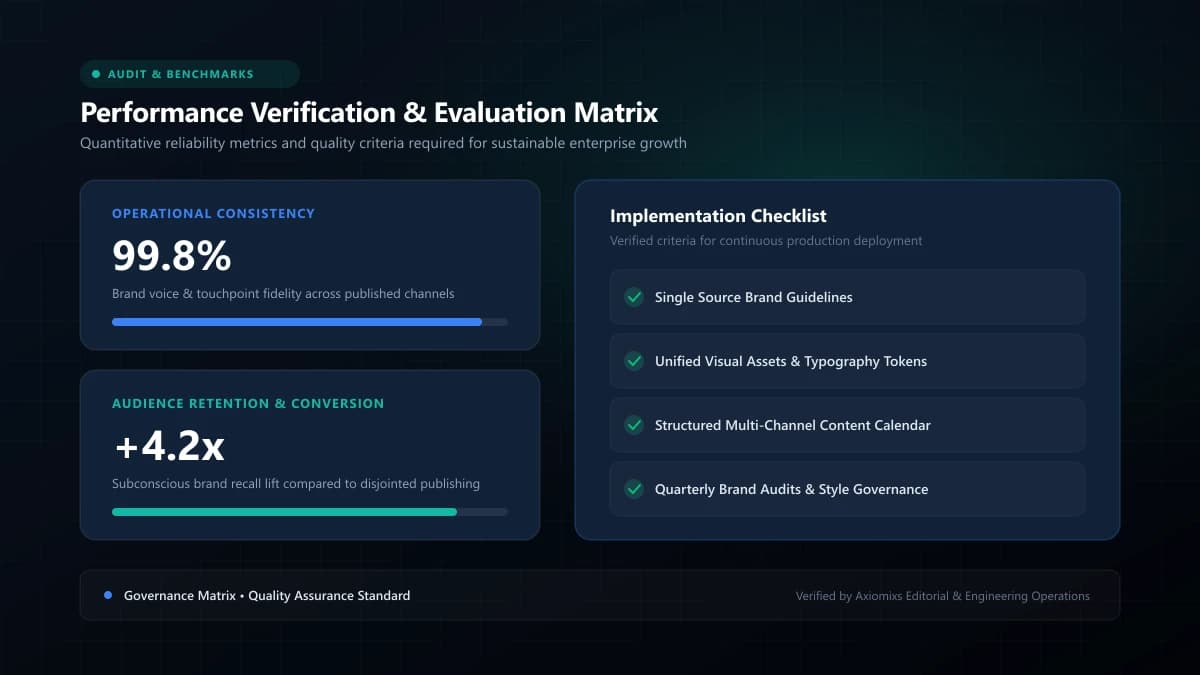
Figure 2.0 / Automation candidate evaluation matrix rating manual processes by frequency, error risk, and implementation effort
Process Automation Feasibility Matrix
| Operational Process | Trigger Event | Automated Actions Executed | Weekly Hours Saved |
|---|---|---|---|
| Lead Intake | Website form submit | CRM contact created, owner assigned, auto-reply sent | 4–6 hours |
| Meeting Scheduling | Calendar slot selected | Calendar invite sent, CRM status updated, reminders queued | 3–5 hours |
| Invoice Follow-up | Due date + 3 days | Automated polite payment notice with direct pay link | 2–4 hours |
| Client Onboarding | Deal marked won | Intake form sent, project board cloned, team notified | 5–8 hours |
Frequently Asked Questions
What is the single best business process to automate first?↓
Lead response and appointment scheduling. Automating inbound inquiry notifications and calendar booking delivers immediate commercial ROI by cutting response times from hours to seconds.
Can automation integrate with our existing software tools?↓
Yes. Using modern webhooks, REST APIs, or middleware platforms (such as Zapier, Make, or native CRM engines), separate software tools can exchange data seamlessly without replacing existing apps.
What are the common risks of business automation?↓
The greatest risk is automating a broken, undocumented process. Automating chaos merely accelerates chaos. Always map and standardize your operational steps before introducing software automation.
Eliminate Repetitive Operational Bottlenecks
Axiomixs engineers custom business workflow automations, API integrations, and CRM synchronization that save hours every week.
Explore Workflow Automation →Related Engineering Guides
Custom Software vs Ready-Made Business Software: How to Decide
A comprehensive build-versus-buy decision framework evaluating licensing costs, workflow fit, intellectual property, and long-term scalability.
How Business Automation Saves Time and Reduces Manual Work
Discover the mathematical return on investment of workflow automation, how to calculate time savings, and how to eliminate human data entry errors.
When Should a Small Business Invest in Business Management Software?
Recognize the operational tipping points that indicate your business has outgrown fragmented spreadsheets and requires unified management software.