

How to Use Animated Videos on Landing Pages and Social Media Ads
Maximize conversion rates by deploying animated videos effectively across above-the-fold landing page hero sections and paid social media campaigns.
The Two Distinct Arenas of Commercial Video Deployment
Investing in exceptional animation is only half the battle; where and how you deploy that video asset determines your return on investment. The two most profitable digital venues are landing pages and paid social media advertising feeds.
However, these environments operate under completely different user psychological contexts. A landing page visitor arrived with deliberate intent and wants in-depth validation. A social media feed user is casually scrolling and will skip past your content unless captivated within two seconds.
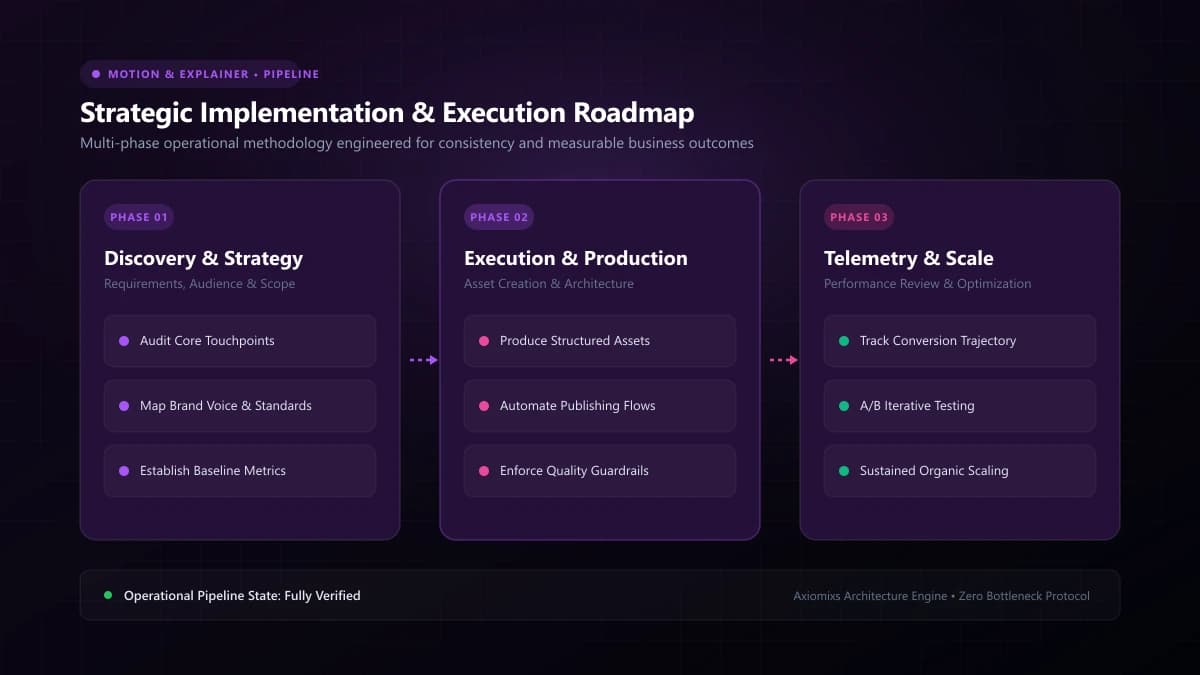
Figure 1.0 / Video technical optimization flowchart covering compression, lazy-loading, custom thumbnails, and muted autoplay standards
Best Practices for Landing Page Video Placement
- Above-the-Fold Placement: Embed the video alongside your primary headline and lead capture CTA. Do not bury the video at the bottom of a 3,000-word page where only 10% of users scroll.
- High-Contrast Custom Thumbnail: The static poster image before playback begins must feature an enticing play button, a clear benefit title, and a professional frame. Never leave default black frames.
- Performance Hygiene & Fast Loading: Never host raw 50MB MP4 files directly on your web server. Use dedicated video streaming infrastructure (Mux, Cloudflare Stream, Vimeo OTT) with adaptive bitrate streaming to prevent degrading Core Web Vitals.
- Muted Autoplay with Captions: If you use background autoplay, ensure audio is muted and captions are active, with an intuitive "Unmute" control.
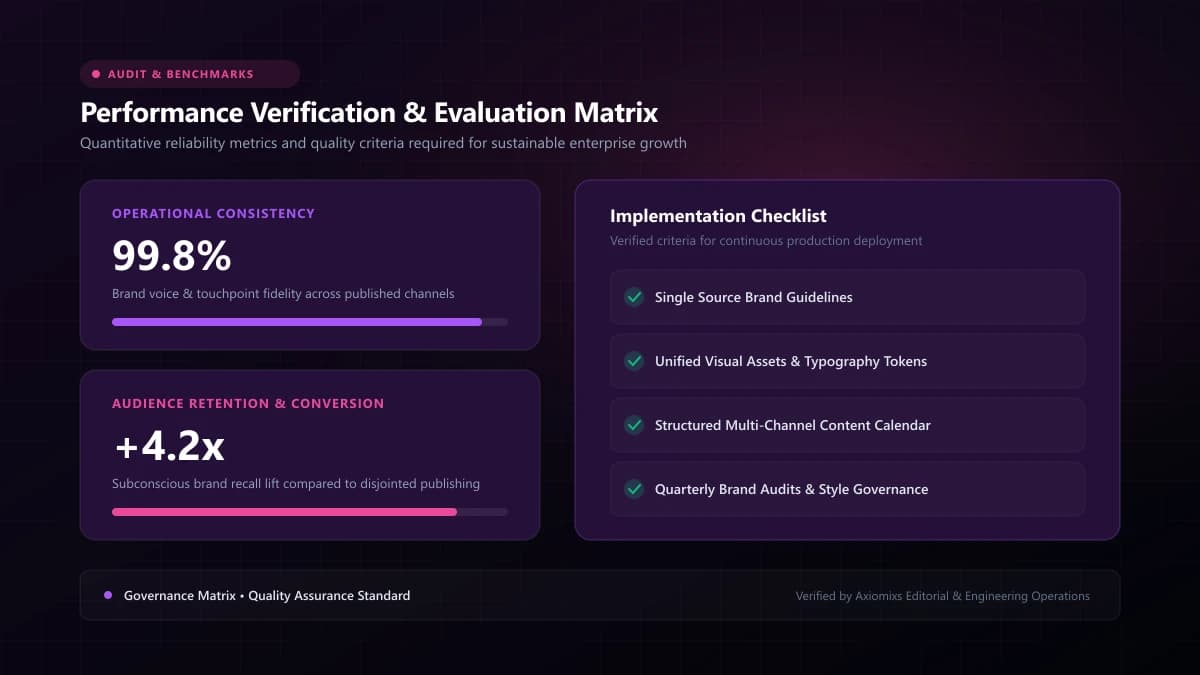
Figure 2.0 / Placement comparison matrix contrasting above-the-fold hero video guidelines with paid social feed ad creative
Best Practices for Paid Social Video Ads
- The 2-Second Visual Shockwave: Social users scroll at lightning speed. Start immediately with high-energy motion, a bold provocative question, or dynamic text overlay.
- Vertical 9:16 Framing: Mobile feeds are vertical real estate. Standard 16:9 widescreen videos waste 60% of the screen. Re-frame or re-animate key elements to fill the vertical display.
- Sound-Independent Storytelling: Over 75% of social video is consumed silently. The visual story, kinetic typography, and subtitles must deliver 100% of the value even with the volume turned to zero.
Comparative Strategy Matrix: Landing Pages vs. Paid Social Ads
| Deployment Variable | Landing Page Video | Paid Social Ad Video |
|---|---|---|
| Viewer Intent | High (actively researching solutions) | Low (passive interruption in social feed) |
| Optimal Duration | 60 to 90 seconds | 10 to 25 seconds max |
| Aspect Ratio | 16:9 (Desktop/Responsive) | 9:16 (Vertical) or 4:5 (Square) |
| Playback Mode | User-initiated click-to-play with audio | Autoplay loop (muted) with bold burned-in captions |
Frequently Asked Questions
Should a landing page explainer video autoplay with sound?↓
Never autoplay with sound. Autoplaying audio disorients and annoys users, prompting immediate site exits. Modern browsers also block autoplaying audio by default. Autoplay muted with clear captions, or require user-initiated click-to-play.
Where should the video be positioned on a landing page?↓
Position the video in the upper viewport (above the fold) immediately adjacent to your primary value proposition headline and lead capture form, allowing visitors to watch without extensive scrolling.
Can you use the exact same animated video for both landing pages and social ads?↓
No. A landing page explainer video is typically 60–90 seconds in 16:9 widescreen format, addressing visitors who already showed interest. A social ad must be 10–20 seconds in 9:16 vertical format with an instant 2-second hook.
Supercharge Your Conversion Funnels
Axiomixs builds high-converting landing pages integrated with custom animated video assets engineered for maximum commercial impact.
Request Video Integration →Related Engineering Guides
Animated Videos vs Live-Action Videos: Which Is Better for Business?
Evaluate animated and live-action video formats across production logistics, revision flexibility, emotional connection, and budget allocation.
2D Animation vs 3D Animation vs Motion Graphics: Key Differences
Distinguish between 2D vector animation, 3D computer graphics, and kinetic motion graphics to select the optimal visual style for your project.
How Animated Explainer Videos Help SaaS Businesses Explain Complex Products
Learn how SaaS companies use animated explainer videos to clarify complex software architectures, increase trial signups, and streamline user onboarding.