How to Create an Effective Animated Explainer Video: From Script to Final Cut
A step-by-step walkthrough of the professional commercial animation pipeline: creative discovery, scriptwriting, storyboarding, voiceover, and motion rendering.
The Discipline of Milestone-Driven Production
Creating an animated explainer video is a collaborative fusion of creative writing, graphic illustration, sound engineering, and technical keyframe motion. Without a rigorous, phased production methodology, animation projects quickly derail into endless revisions, budget overruns, and creative frustration.
Professional animation studios manage projects through sequential "locked gates." Each stage must receive formal client sign-off before proceeding to the next. Here is how broadcast-grade explainer videos are created.
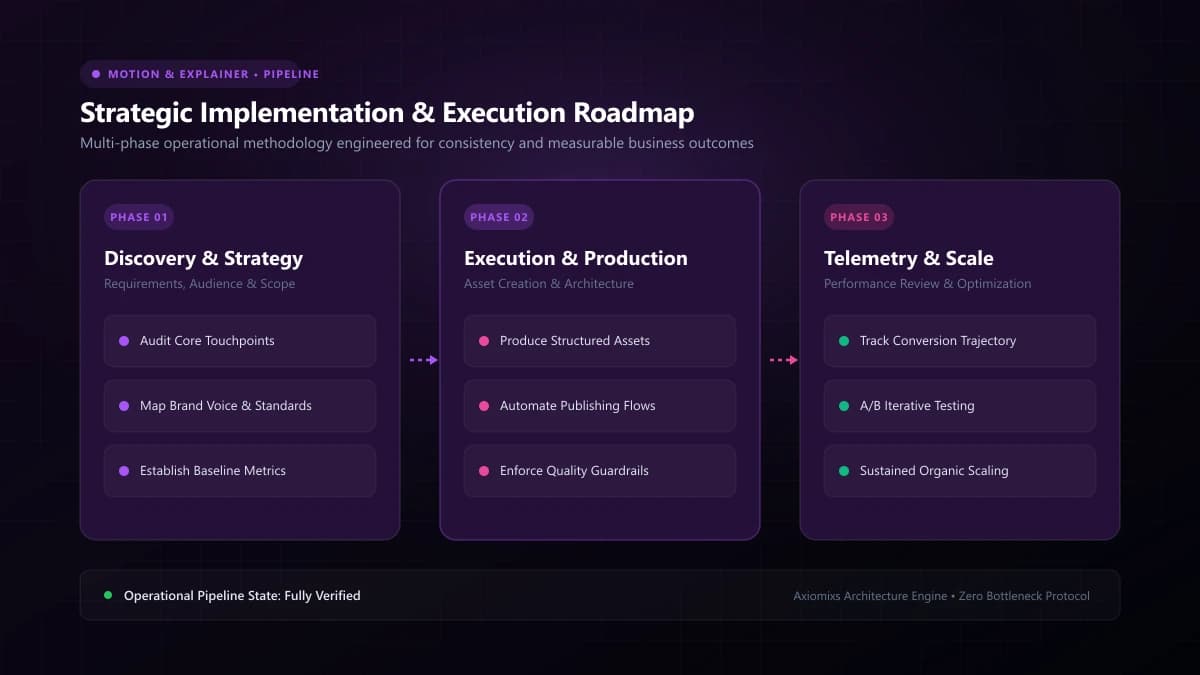
Figure 1.0 / Detailed storyboard layout panel showing sketched scene transitions, character positions, and audio cues
The 6 Phases of the Animation Pipeline
Phase 1: Creative Discovery & Narrative Scriptwriting
The script is the structural foundation of the entire video. A skilled copywriter interviews your team to define target audience pain points, technical differentiators, and commercial calls-to-action. The script establishes word count boundaries: exactly 130–150 words per 60 seconds of video to maintain calm, conversational pacing.
Phase 2: Visual Storyboarding
The storyboard translates the written script into visual scenes. It resembles a comic book: side-by-side rectangular panels depicting visual character actions, screen transitions, and interface layouts paired with the corresponding voiceover lines.
Phase 3: Style Frames and Art Direction
Before animating hundreds of individual frames, the art director creates 2–3 fully rendered "style frames." These represent the finished visual benchmark—color palettes, lighting, typography, and character anatomy. Once approved, the full asset library is illustrated to this exact standard.
Phase 4: Voiceover Casting & Audio Recording
Audition clips from professional voice actors are presented to the client. Once the voice talent is selected, they record the locked script in a professional sound studio. The master vocal track is edited, cleaned, and approved as the temporal timing spine for animation.
Phase 5: Keyframing, Rigging & Motion Design
The animators take the illustrated vector assets and bring them to life in After Effects or Cinema 4D. Characters are rigged with skeletal joints; geometric elements morph; and virtual cameras pan across scenes, synchronized precisely to the rhythm of the voiceover.
Phase 6: Sound Design, Audio Mixing & Final Delivery
Sound designers layer custom audio effects (whooshes, UI clicks, ambient tones) and mix the backing music track beneath the dialogue. The final video is color-calibrated, reviewed through quality assurance, and exported in optimized web formats.
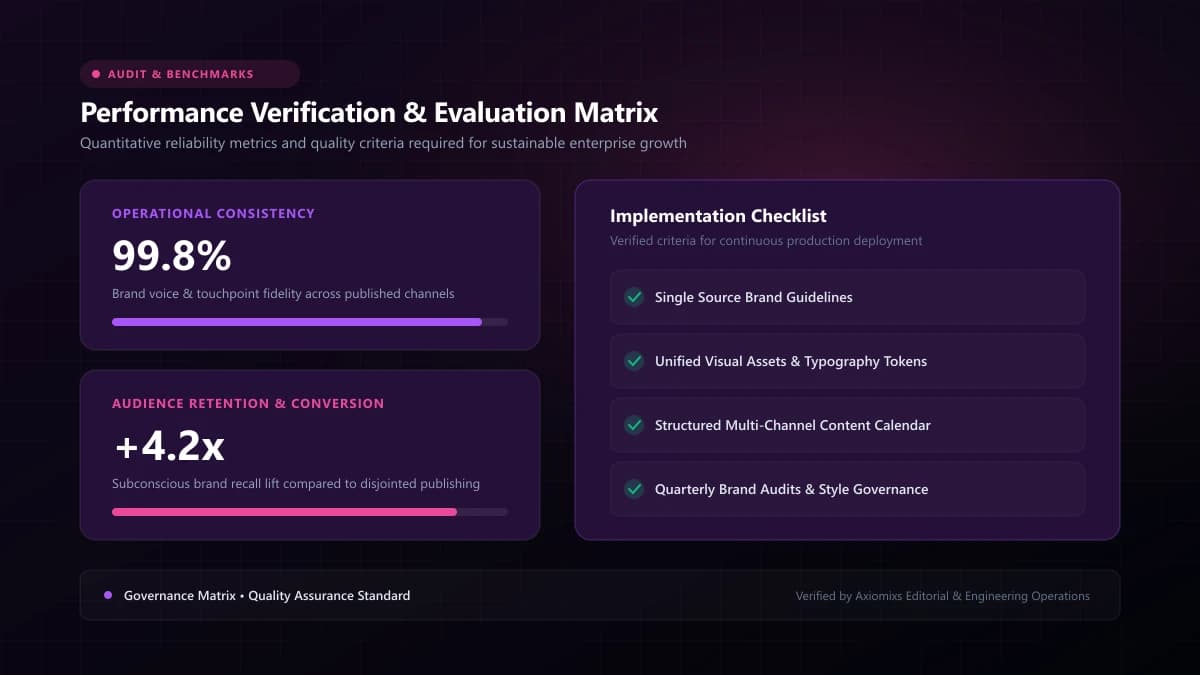
Figure 2.0 / Client sign-off gatekeeper matrix preventing costly downstream animation revisions through locked milestone approvals
The Milestone Sign-Off Architecture
| Milestone Gate | Client Deliverable Reviewed | Locked Rule |
|---|---|---|
| Gate 1: Script | Written two-column script (audio + visual descriptions) | No text or message changes permitted after audio recording. |
| Gate 2: Storyboard | Static sketched panels illustrating scene flow | Visual layout and transitions locked. |
| Gate 3: Style Frames | 2–3 full-color, high-fidelity sample scenes | Color palette, character styling, and fonts finalized. |
| Gate 4: Voiceover | Master vocal recording with pacing and tone | Audio timing locked for keyframing. |
| Gate 5: Animation | Full video draft with sound design and music | Minor timing adjustments only; core animation finalized. |
Frequently Asked Questions
Why must the script and voiceover be locked before animation begins?↓
Because animators synchronize character lips, visual transitions, and camera moves to the exact millisecond timestamps of the audio track. Altering script words after animation begins requires scrapping completed motion work.
What is a style frame in the animation pipeline?↓
A style frame is a fully rendered, high-resolution static illustration of a key scene showcasing the exact colors, typography, textures, and character art that will appear in the final video.
How long does the entire production process typically take?↓
A standard 60-to-90-second animated explainer video requires 4 to 6 weeks from initial creative discovery to final delivery, allowing structured time for client milestone reviews.
Experience a Structured Creative Process
Axiomixs guides commercial clients through a frictionless, milestone-driven video production process from initial brief to final delivery.
Start Your Video Project →Related Engineering Guides
Animated Videos vs Live-Action Videos: Which Is Better for Business?
Evaluate animated and live-action video formats across production logistics, revision flexibility, emotional connection, and budget allocation.
2D Animation vs 3D Animation vs Motion Graphics: Key Differences
Distinguish between 2D vector animation, 3D computer graphics, and kinetic motion graphics to select the optimal visual style for your project.
How Animated Explainer Videos Help SaaS Businesses Explain Complex Products
Learn how SaaS companies use animated explainer videos to clarify complex software architectures, increase trial signups, and streamline user onboarding.